Point User Guide 425
Creating tasks
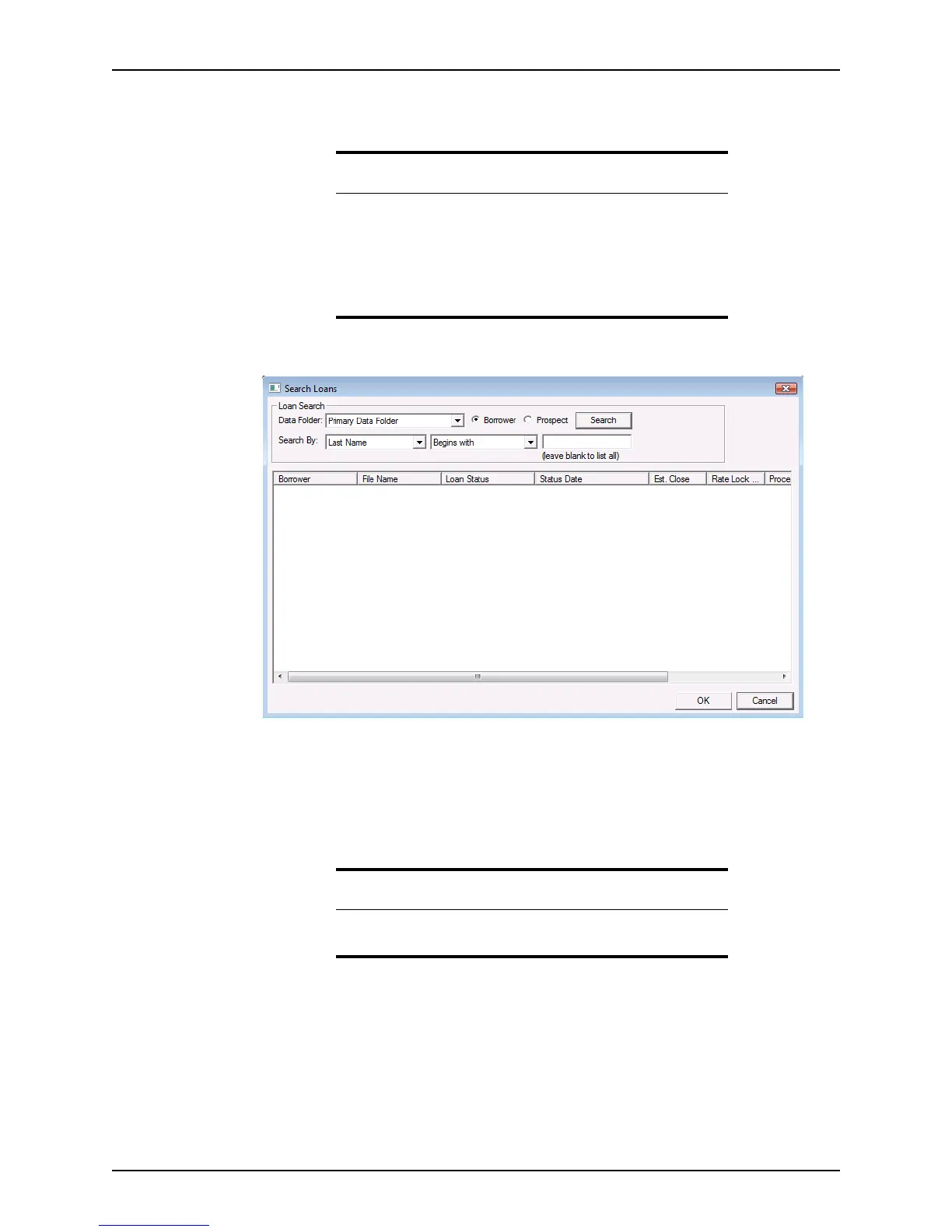
9 If you are not in an open loan file, click Browse to locate the loan file to associate with
the task.
The
Search Loans dialog box is displayed.
10 Perform a search to locate the loan file.
11 Select the loan file and click OK to return to the
New Task dialog box.
12 To issue person assigned to the task a reminder, select the
Remind me check box and
enter a date and time for the reminder.
13 Click Save to save the task.
Requirement
All tasks must be associated with a loan file. If you do not select a loan
file, an error will occur when you attempt to save the task.
If you are adding the new task from within a loan file, the open loan file
is automatically associated with the task.
A task remains associated with a loan file, regardless of its status, unless
it is deleted.
Related information
For more information about the dropdown list utility, refer to Creating
dropdown lists, on page44.



 To Next Page