Point User Guide 51
Communications
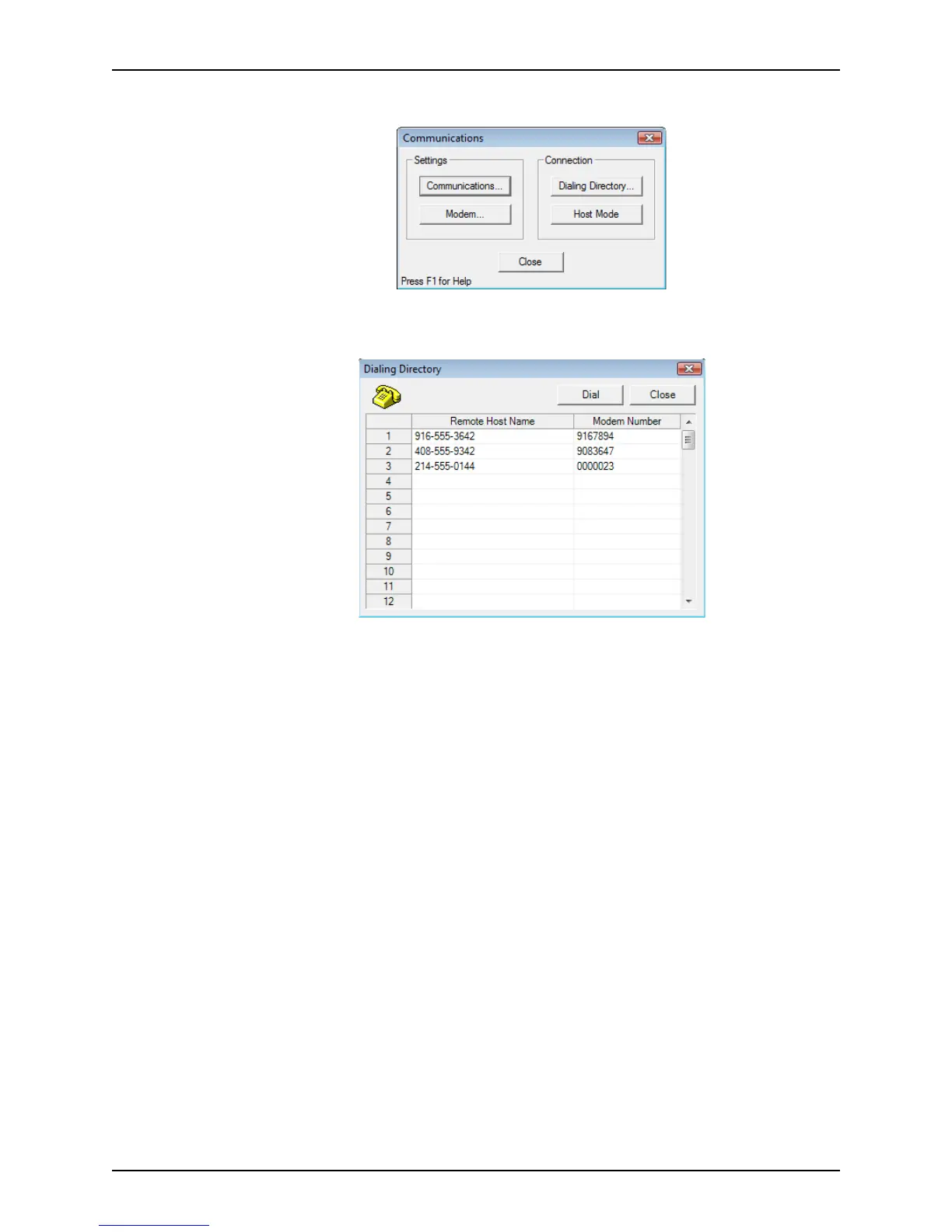
The Communications dialog box is displyed.
2 Select Dialing Directory.
The
Dialing Directory dialog box is displayed.
3 Enter the Remote Host Name. When you make an entry, it is stored in the directory for
future use.
4 Enter the corresponding modem number.
5 To dial the remote host, select the remote host name and click Dial.



 To Next Page