Installation and Commissioning
GARD 8000 SYS RFL Electronics
November 28, 2017 4-58 973.334.3100
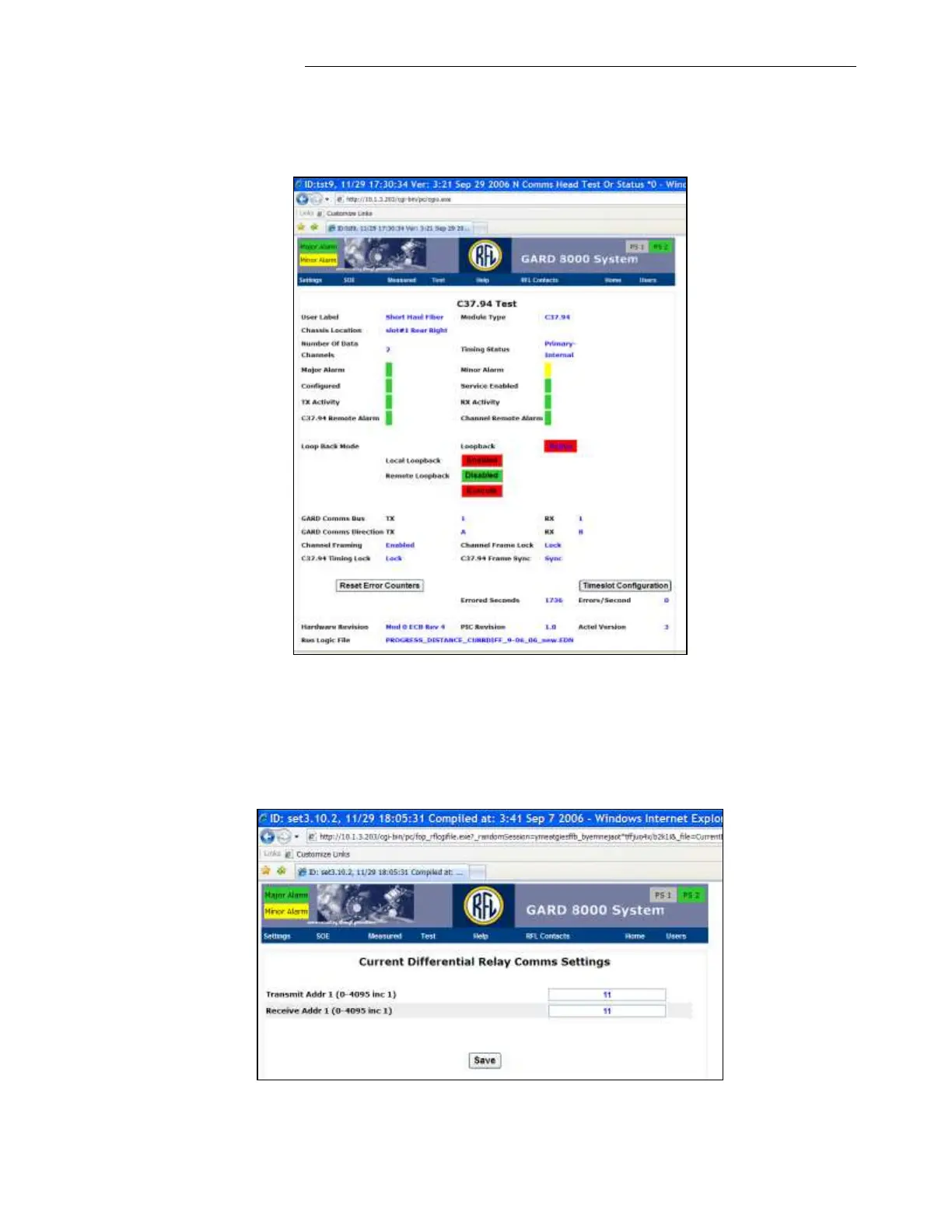
channel. At the test page enable the Local Loopback and click on “Execute.” (The Figure
below shows an example of the Test page for the C.37.94 Short Haul Fiber Interface). The
GARD system will be in Alert while the Software Loopback Test is run.
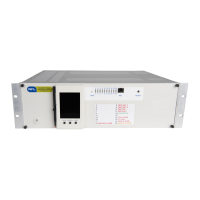
To prevent an address failure while testing only the Local End, ensure that the Local and
Remote addresses of the Current Diff Relay match. Verify/modify the Local or Remote
Current Diff addresses by clicking on “Settings,” selecting “Chassis Configuration,” “Current
Diff Relay” and then clicking on “Comms Settings.” See below.


 To Next Page