Chassis Configuration Settings
GARD 8000 SYS RFL Electronics
April 1, 2012 7-37 973.334.3100
7.2.10 ASYNC COMMS CONFIGURATION SETTINGS
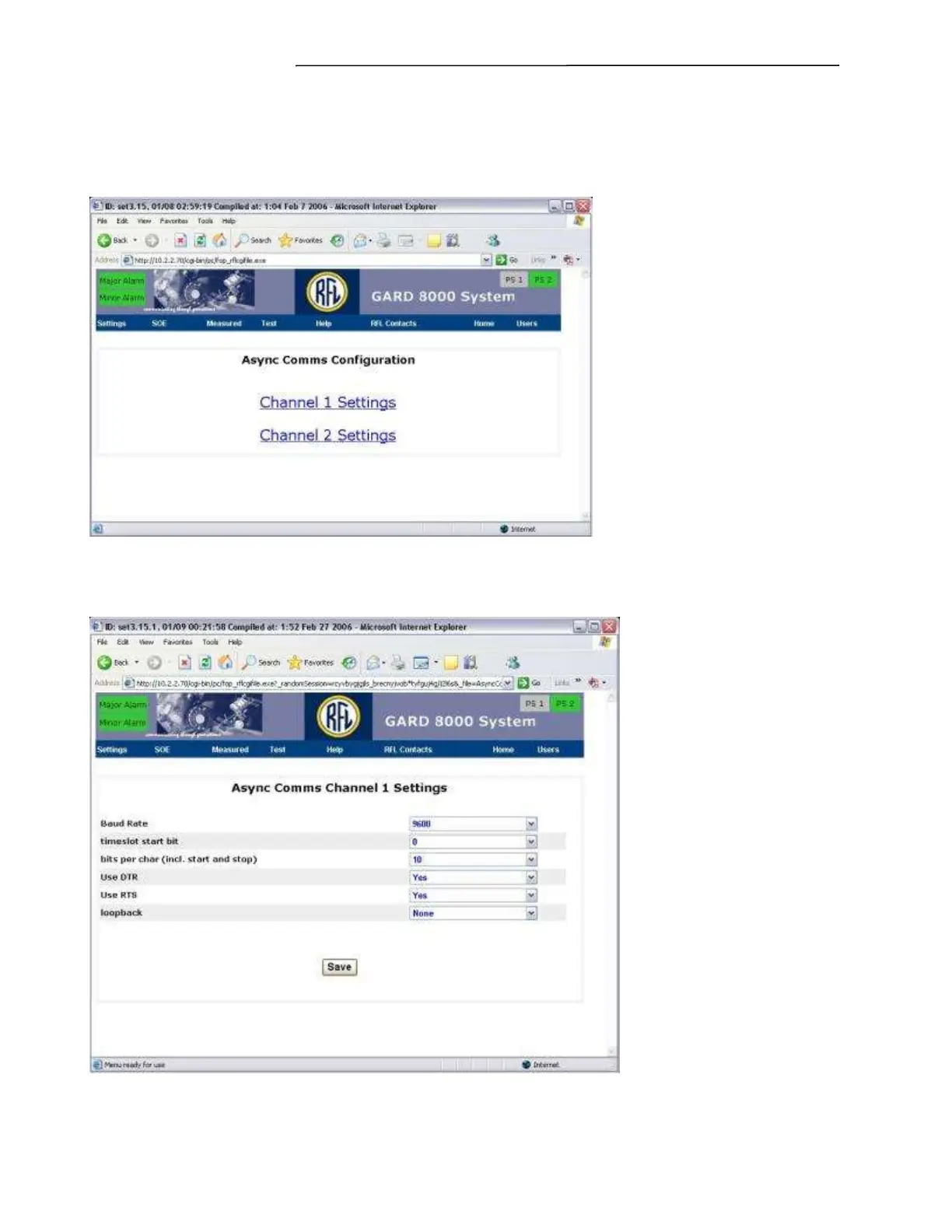
From the Chassis Configuration Settings web page select “Async Comms” the following web page will
appear.
Figure 7-22. Async Comms Configuration
Select the channel to be configured; the following web page will appear.
Figure 7-23. Async Comms Channel Settings



 To Next Page