Chassis Configuration Settings
GARD 8000 SYS RFL Electronics
April 1, 2012 7-98 973.334.3100
7.5 FILE OPERATIONS
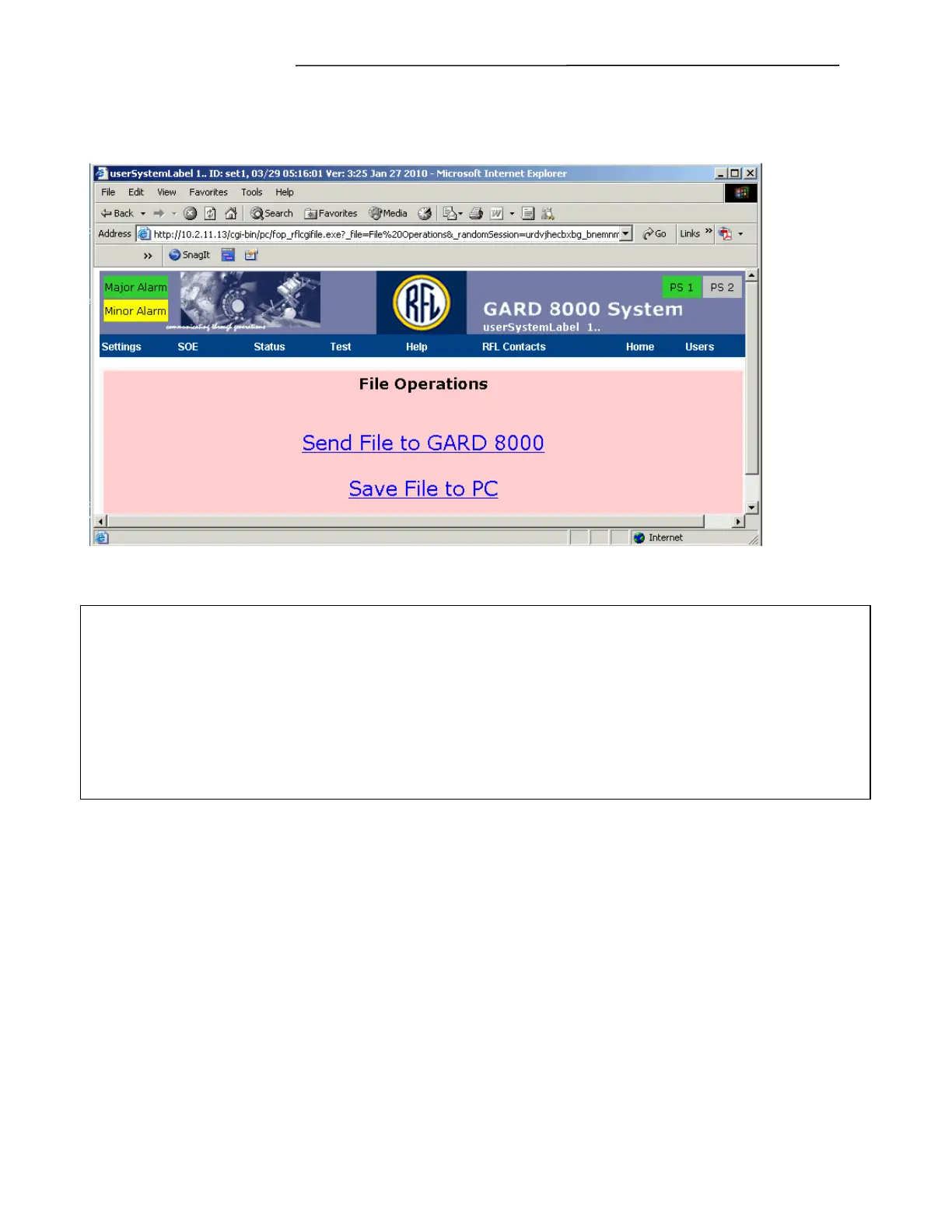
From the toolbar select Settings>File Operations. The following web page will appear:
Figure 7-61. File Operations web page
CAUTION
Whole Chassis Configuration files are not backwards replaceable. WCC files cannot be uploaded
to a GARD unit with a lower revision level of the Image Software (system software). Beginning with
Image Software version 7.0, WCC 6.7 and higher may be uploaded to a 7.0 or higher chassis. To
check the revision level of your GARD units Image Software go to “Help > About.”
The above also applies to the GARD Emulator.
Select “Send File to GARD 8000” web link if a file is to be sent from a PC to the GARD 8000.
Select “Save File to PC” web link if a file is to be saved to a PC from the GARD 8000 unit.



 To Next Page