Tests and Diagnostics
GARD 8000 SYS RFL Electronics
February 14, 2011 11-26 973.334.3100
The radio buttons next to each of the loop back tests allows the operator to enable or disable the test.
Click on the radio button to change the state and click on the “Execute” button to activate the test.
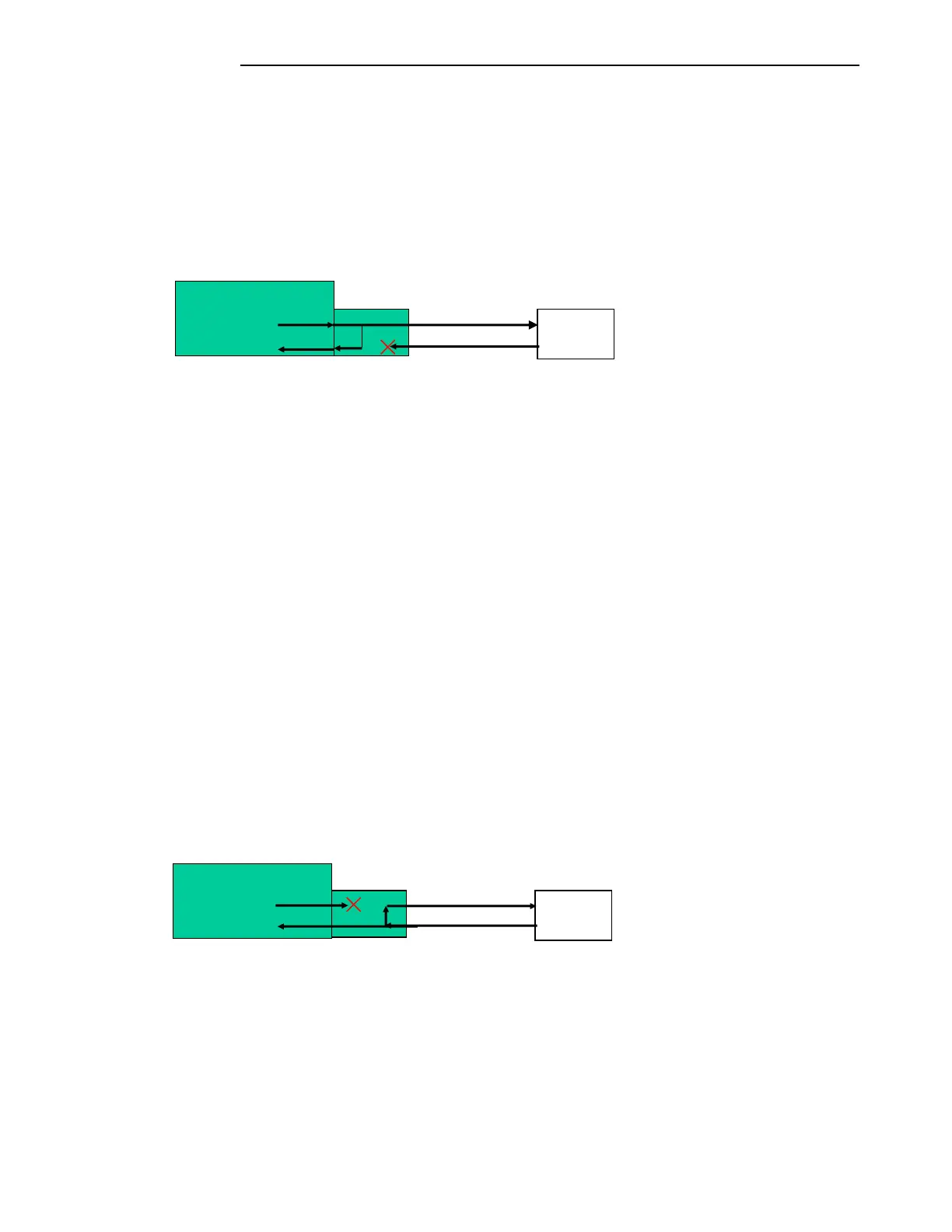
Local Loop-Back:
The local loop-back function loops the data being transmitted to the remote terminal back on to the
receive portion of the G.703 interface module. The received data from the remote terminal is
interrupted. The transmit data from the local terminal is passed on to the remote terminal and
redirected back to the local received data path. See figure 11-12.
Figure 11-12. Manual Loopback
If the G.703 interface module is Internally timed:
Click on the “Local Loop-Back” button to enable.
Click on “Execute”.
Set the devices, TPS channels or Functional modules, TX and RX addresses to the same
value.
If the G.703 interface is in Loop timing:
Set the digital interface to internal timing on the settings page.
Click on the “Local Loop-Back” button to enable.
Click on “Execute”.
Set the devices, TPS channels or Functional modules, TX and RX addresses to the same
value.
Remote Loop-Back:
The remote loop-back function directs the received data back out the G.703 interface module to the
remote GARD 8000 system. The local transmit data is interrupted. The received data is passed through
to the GARD 8000 system. See figure 11-13.
Figure 11-13. Manual Loopback
Click on the “Remote Loop-Back” button to enable.
Click on “Execute”.
Terminal



 To Next Page