Chassis Configuration Settings
GARD 8000 SYS RFL Electronics
April 1, 2012 7-44 973.334.3100
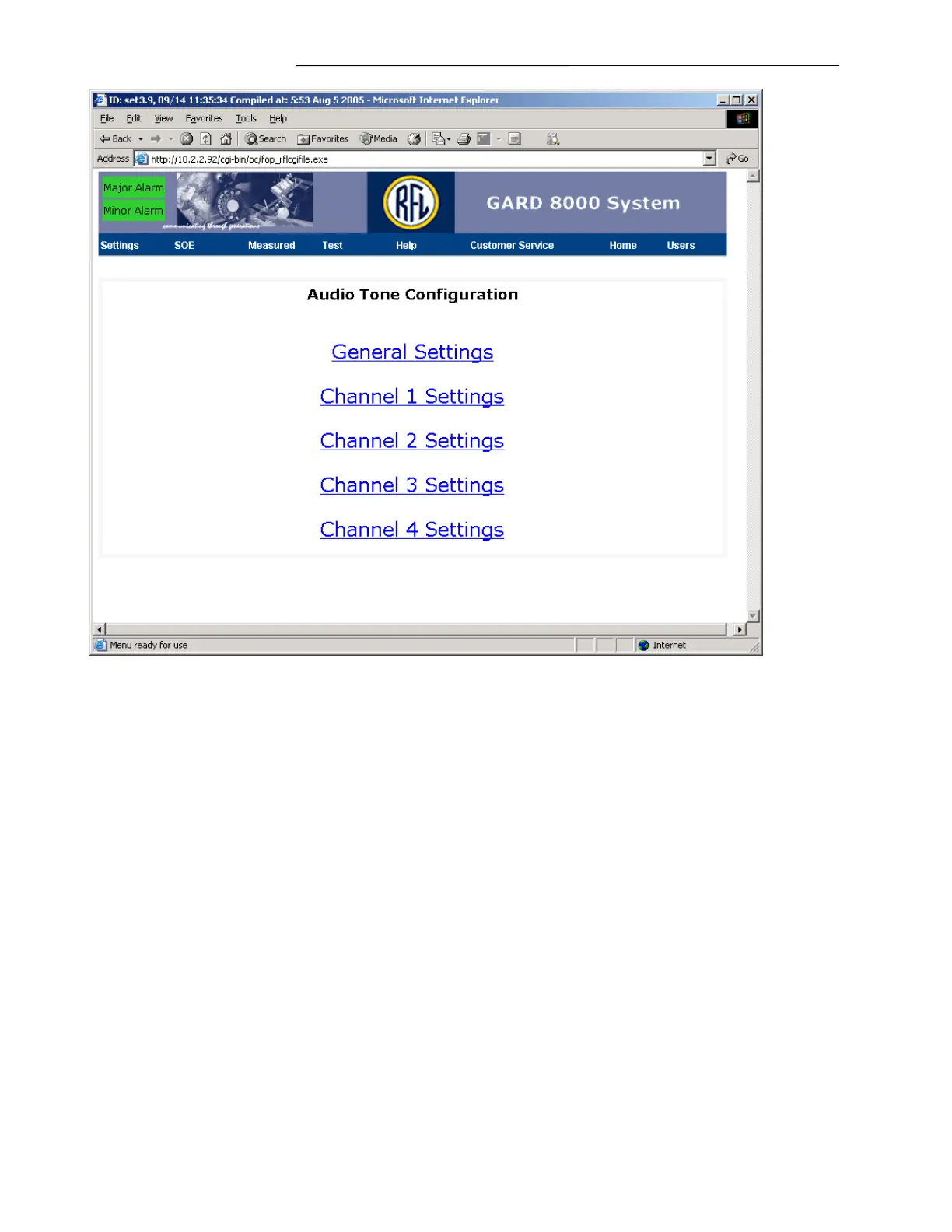
Figure 7-28. Audio Tone Configuration Web page
Click on General Settings to go to the Audio Tone Configuration, General Settings web page as shown
on the following page. Click on Channel 1 Settings to go to the Audio Tone Configuration, Channel 1
Settings web page as shown in Figure 7-30. The Channel 2 through 4 Settings web pages, are similar.



 To Next Page