System Logic
GARD 8000 SYS RFL Electronics
March 26, 2008 8-12 973.334.3100
8.3.2 OUTPUT MAPPING
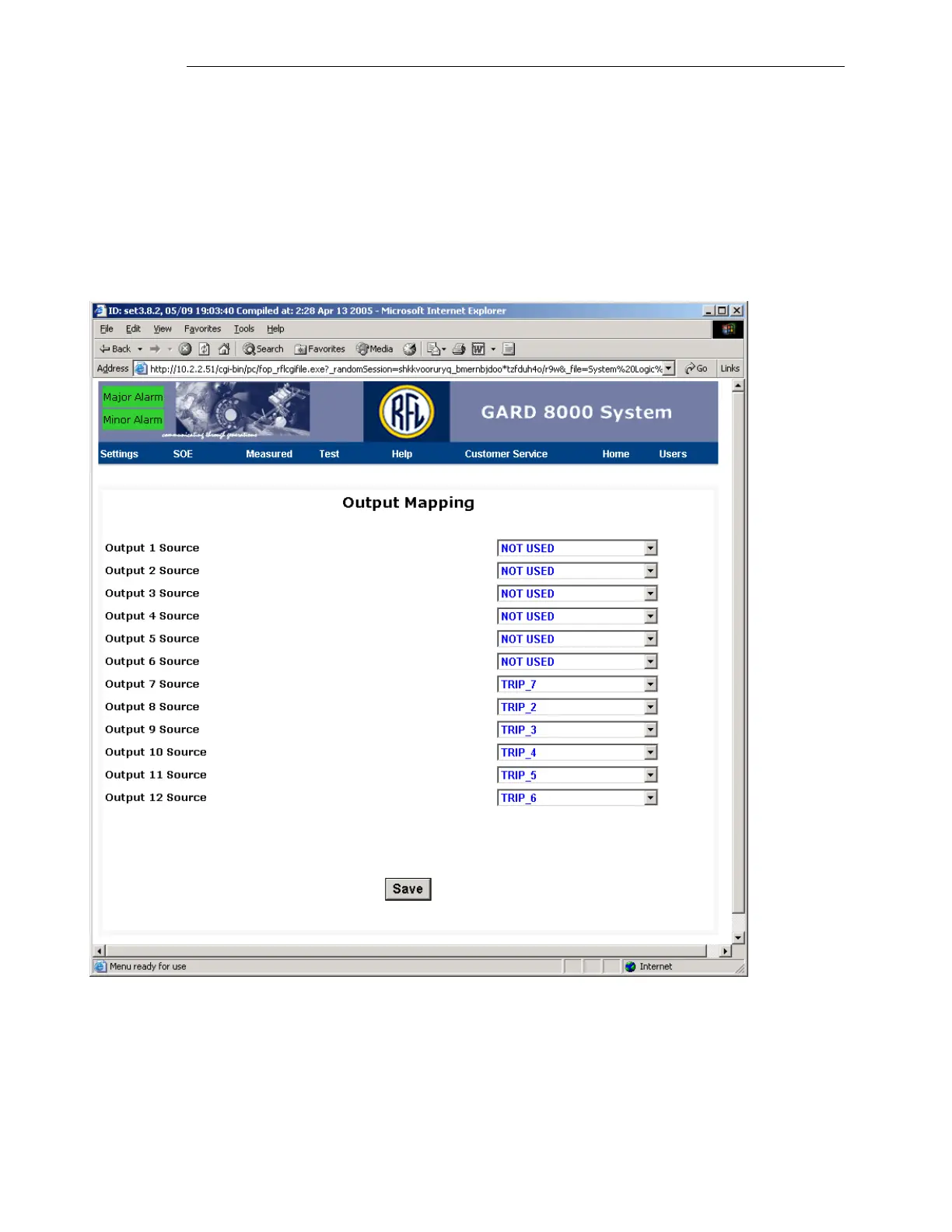
Outputs can be mapped to different points in the logic. Output mapping choices are set up in the logic
database and are loaded in during a System Logic Database TXT upload. The file for default logic
provides a series of choices for mapping 2 output cards to various points, which are tied to 8 functions
of a TPS module. From the toolbar select Settings> System Logic Configuration>Output Mapping. A
screen similar to the one below will appear. A user can select a single output to control more than one
output function.
Figure 8-13. Output Mapping web page
If a hardware output is mapped to NOT USED, that hardware output will not be tied to the logic, and
will not operate under any situation.



 To Next Page