System User Interface
GARD 8000 SYS RFL Electronics
August 1, 2012 5-41 973.334.3100
5.8.2 CONFIGURING A PC USING WINDOWS 7 (STATIC IP)
Configure the IP address of your PC as follows:
1. From your PC desktop, click Start > Control Panel > Network and Internet
2. With “Category” selected go to “View Network States and Tasks”
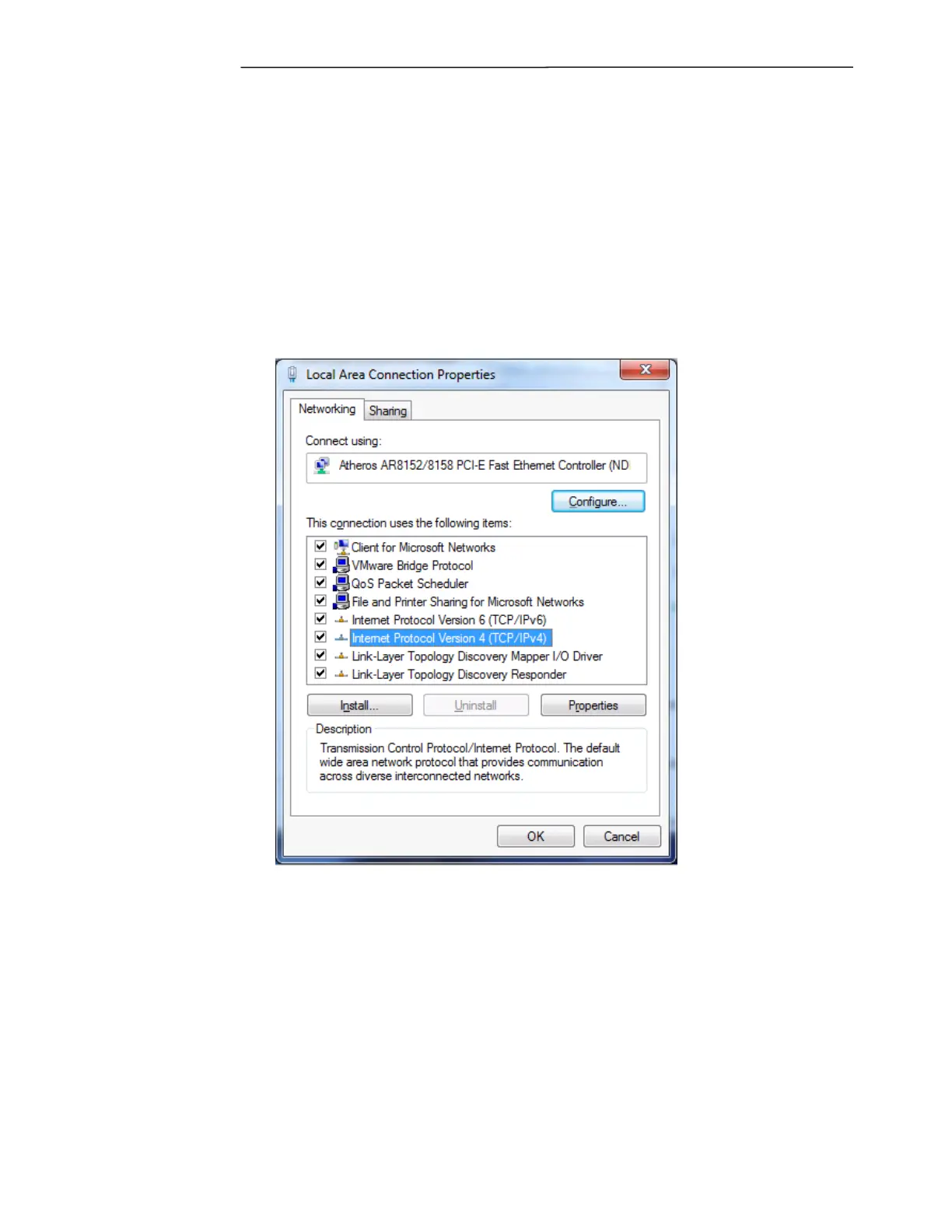
3. Click on “Local Area Connection” > Properties
4. Select “Internet Protocol Version 4” as shown below.
Figure 5-33. Internet Protocol Version
5. Click “Properties”



 To Next Page