System User Interface
GARD 8000 SYS RFL Electronics
August 1, 2012 5-9 973.334.3100
Netmask and Gateway
The administrator who assigns the IP Address will also assign these values. In most cases the subnet
mask will remain the same: 255.255.255.0.
Rear Ethernet Port LED’s
Table 5-3. Rear Ethernet port LEDs
Rear Ethernet Port – Facing Rear of
GARD8000
Display Link and Receive Status.
o Solid color indicates Link.
o Blinking color indicates Link and
Ethernet Frames being received.
Display Transmit Status.
o Blinking color indicates Link and
Ethernet Frames being transmitted.
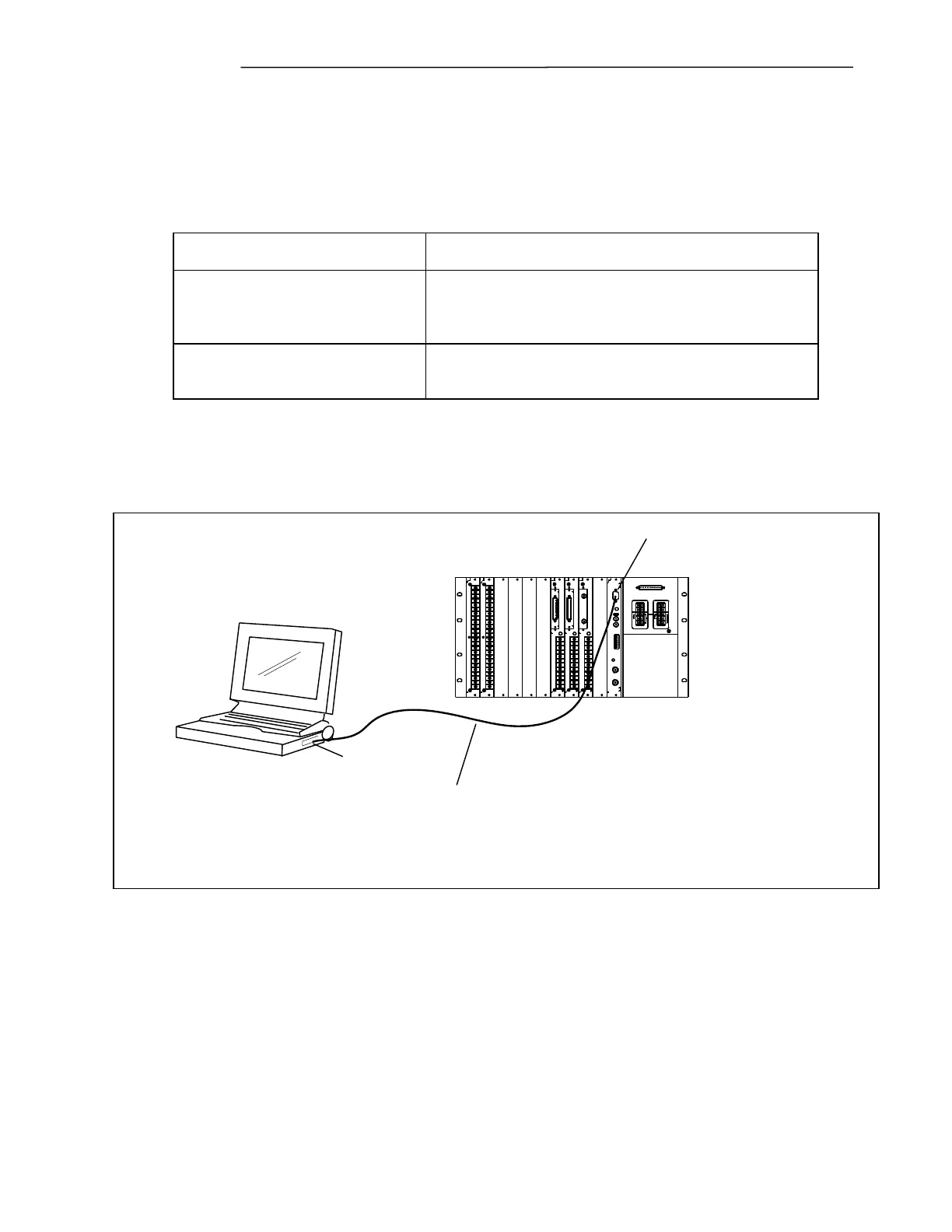
5.2.3 HOW TO CONFIG. A PC TO CONNECT TO THE GARD RS-232 PORT
WITH WINDOWS XP OR 2000
GARD8000 Rear
Laptop/Notebook PC
Standard RS-232 Cable
IP Address: 192.168.1.2
Subnet Mask: 255.255.255.0
(Automatically Assigned)
Baud Rate: 9600
Data: 8, Parity 0, Stop Bits 1, Enable Hardware Flow Control
IP Address: 192.168.1.1
Subnet Mask: 255.255.255.0
RS-232 Port
RS-232 Port
-
+
-
+
Note: All GARD 8000 Rear RS-232 ports are preconfigured for an IP address of 192.168.1.1 at
the factory, and the IP Address assigned to the PC by the PPP connection will be
192.168.1.2.



 To Next Page