System User Interface
GARD 8000 SYS RFL Electronics
August 1, 2012 5-26 973.334.3100
5.6 PASSWORDS AND SECURITY
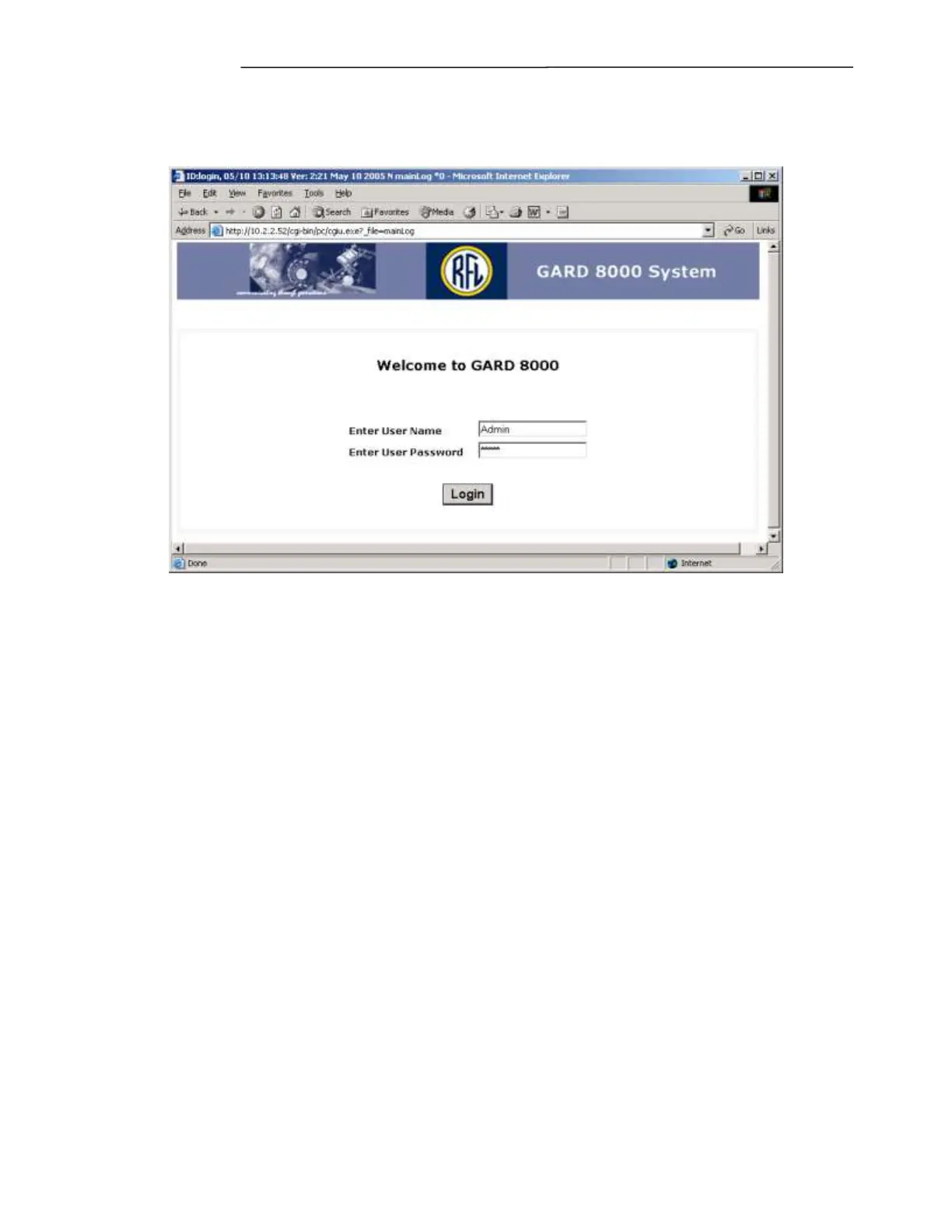
When accessing the GARD 8000 via a web browser, the first page is the log in screen as shown below.
Figure 5-21. Administrator Login
The ‘Admin’ user has the following administrator privileges:
o Rear port TCP/IP address assignments
o Adding and removing users
o Assigning access levels to users
o Enabling and disabling users.
o This feature is practical when performing local operations and other user’s temporarily
should not be allowed access to the unit. The user ID and user’s password remain valid, and
access is simply restored by ‘enable’.
There is no ‘backdoor’ for the Admin password. The default password is ‘Admin’ but when
changed, the actual password has to be used. Please contact the factory for password recovery
procedure.
The password has to be at least 5 characters long and can contain the following characters:
~ ! @ # $ % ^ _ - + = { } [ ] . ? a – z, A – Z and 0 - 9
Only the Admin can access the administrator page. Any number of users can be added by the
administrator, with individual access levels.



 To Next Page