GARD DNP Configuration and SNMP Trap Agent
GARD 8000 SYS RFL Electronics
April 23, 2015 16-10 973.334.3100
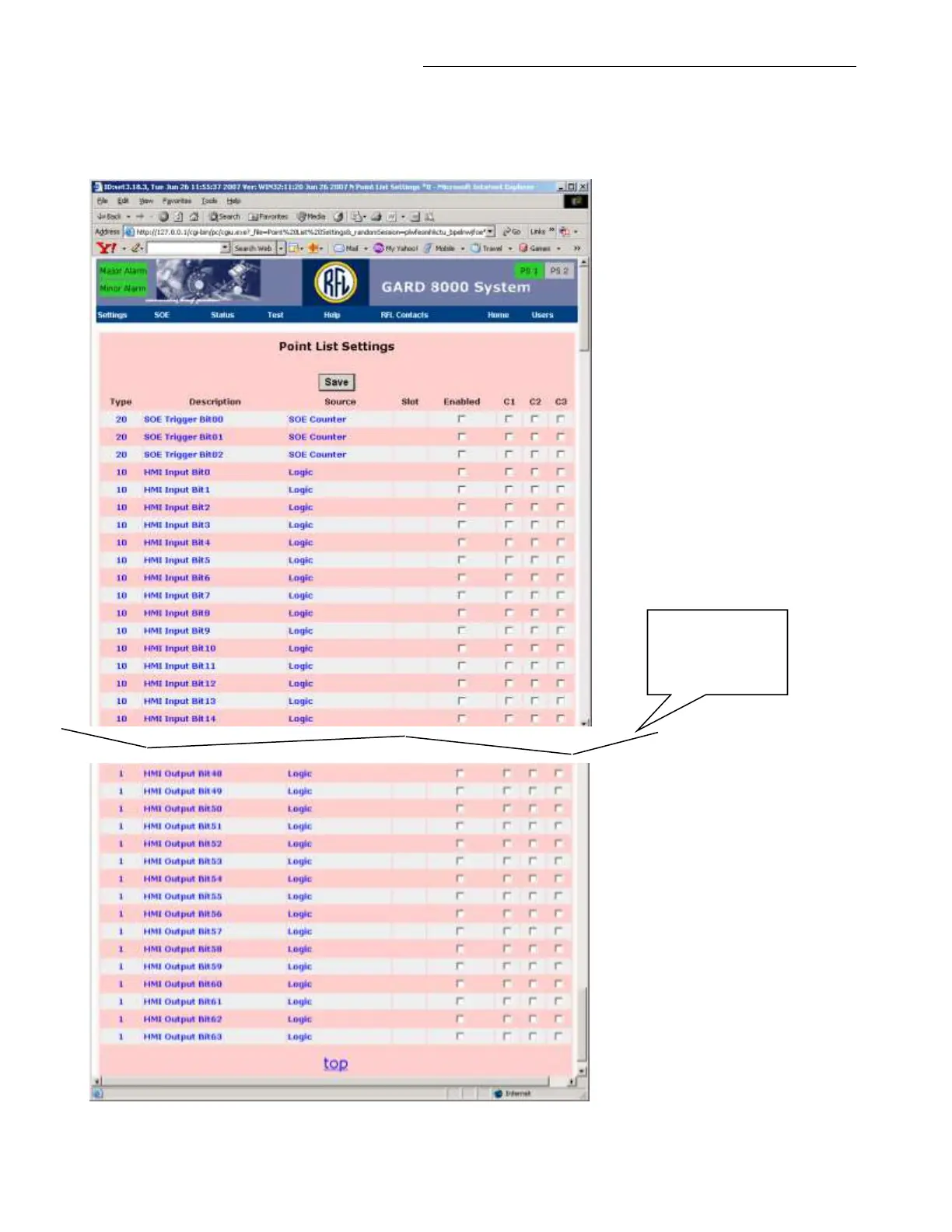
Point List Settings:
From the pull-down menu select Settings > DNP > Point List Settings, the following web page will
appear.
Figure 16-10. Point List Settings Web Page (typical)
Web page split for
clarity, not all
labels are shown



 To Next Page