System User Interface
GARD 8000 SYS RFL Electronics
August 1, 2012 5-38 973.334.3100
GARD (B) configuration
1. The GARD (B) must be configured locally before the Remote Service Channel
over the 64Kbps COM0 connection can be used.
2. Repeat steps 1 through 6 from GARD (A) configuration.
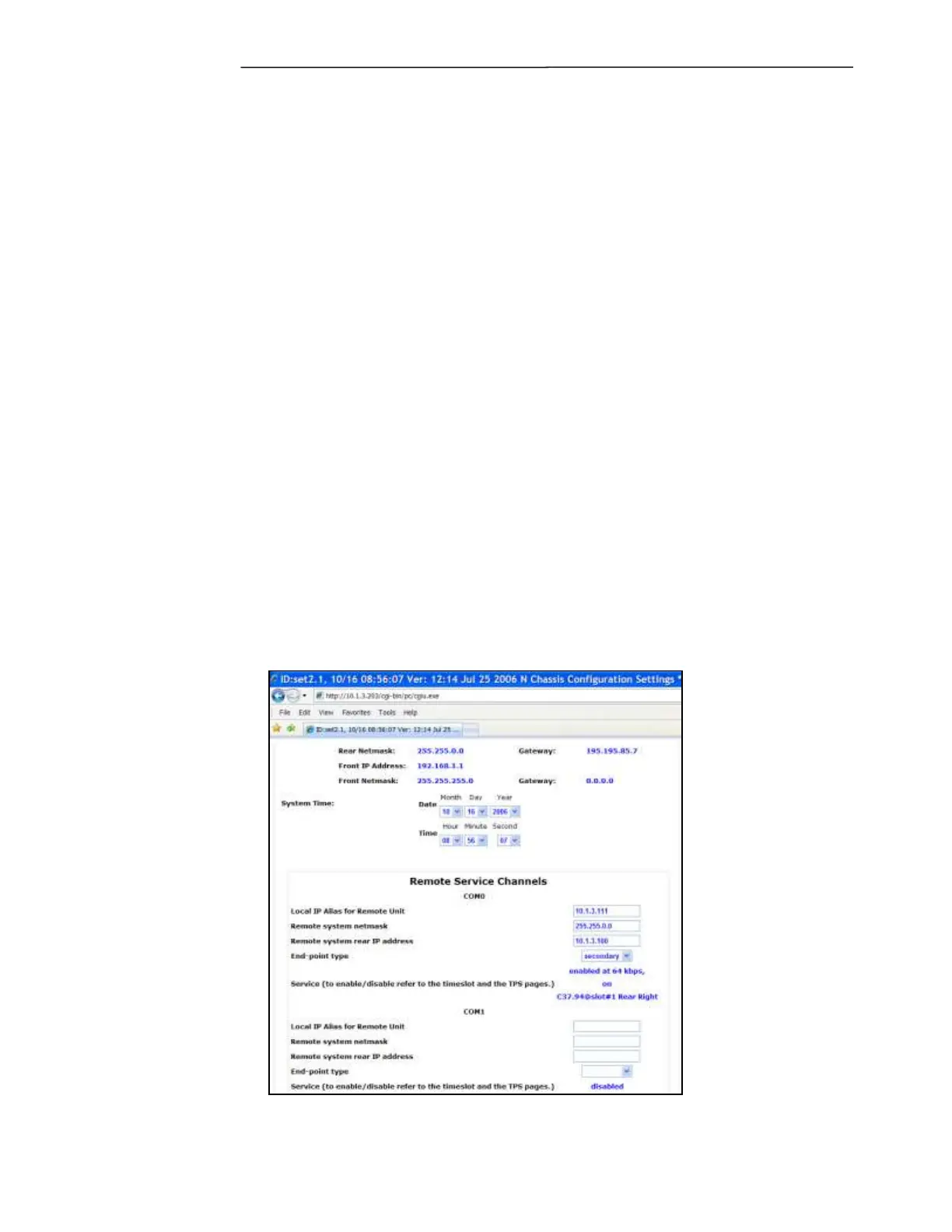
3. At “System Configuration” program the “Remote Service Channels” for COM0 as follows:
a. Local IP Alias for Remote Unit
IP address entered at the Local end to be used to connect with the Remote end over the
64Kbps COM0 channel). This IP address must not conflict with any address on the IP
network: example- 10.1.3.111
b. Remote system netmask
Must match with the network mask of the rear port at the Remote end:
example- 255.255.0.0
c. Remote System rear IP address
Must match with the rear port IP address at the Remote end: example- 10.3.1.100
d. End –point type
There are two options; primary and secondary; Set the Local end (B) as Secondary.
e. Service (to enable /disable refer to the timeslot and the TPS pages)
If the 64Kbps COM0 channel was properly configured in the Communications Time Slot
Configuration it should be displayed as: enabled at 64 kbps on “Comms Head @slot#”,
location.
Figure 5-30. Remote Service Channel, Set-Up GARD (B)



 To Next Page