Chassis Configuration Settings
GARD 8000 SYS RFL Electronics
April 1, 2012 7-51 973.334.3100
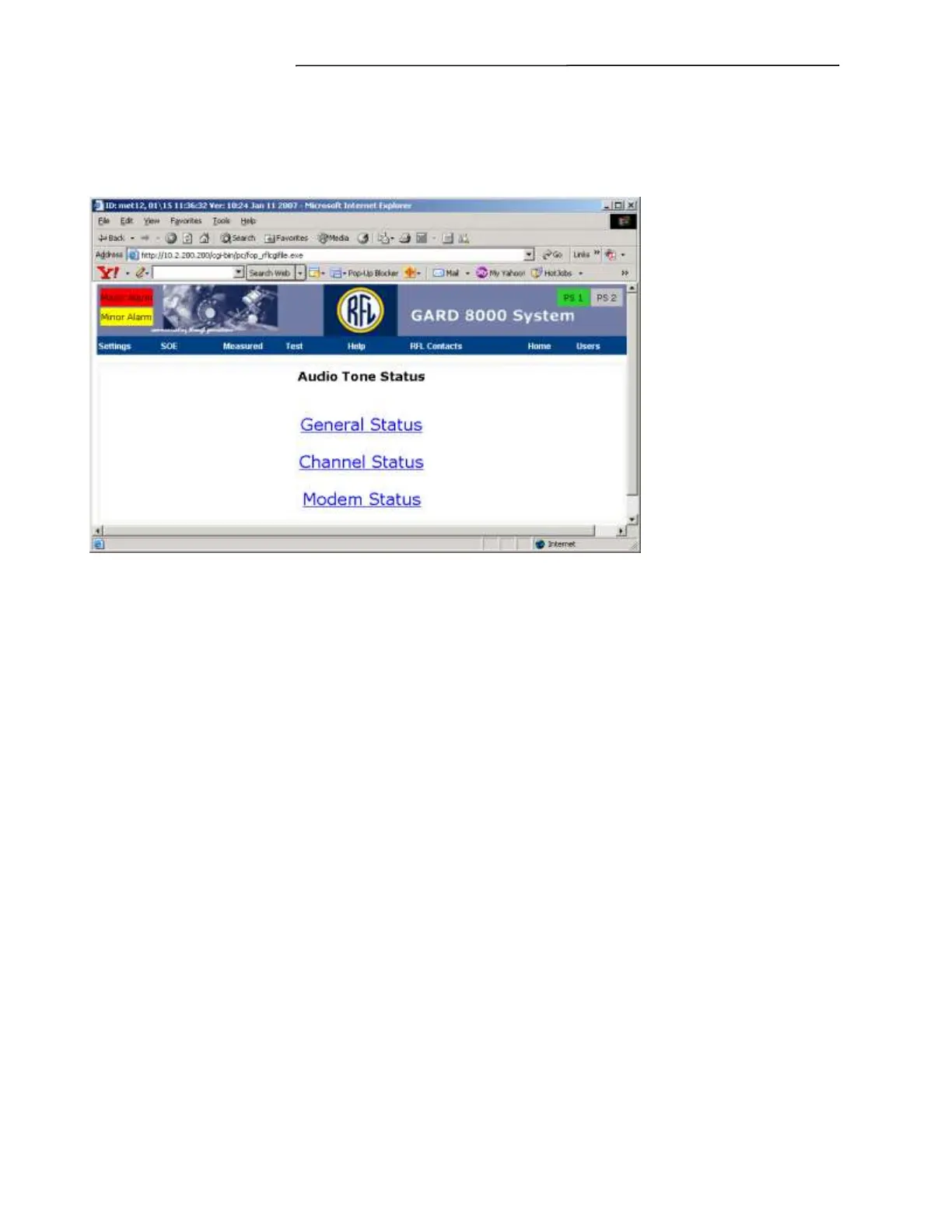
Click on Home to get to the chassis configurations status web page. Then click on Audio Tone to get to
the Audio Tone Status web page as shown below.
Figure 7-31. Audio Tone Status Web page
Click on General Status to go to the Audio Tone General Status web page as shown in the following
Figure. Click on Channel Status to go to the Channel Status web page as shown in Figure 7-33. Click
on Modem Status to get to the Modem Status (Remote Status) web page as shown in Figure 7-34.



 To Next Page