Chassis Configuration Settings
GARD 8000 SYS RFL Electronics
April 1, 2012 7-111 973.334.3100
7.6.3 OPTION SETTINGS
To allow flexibility in the logic, without modifying the logic programming, an Options Settings section
is provided. In the Options sections the user has the ability to configure the logic using simple
commands. Option Setting choices are set up in the TXT file and are loaded in during a System Logic
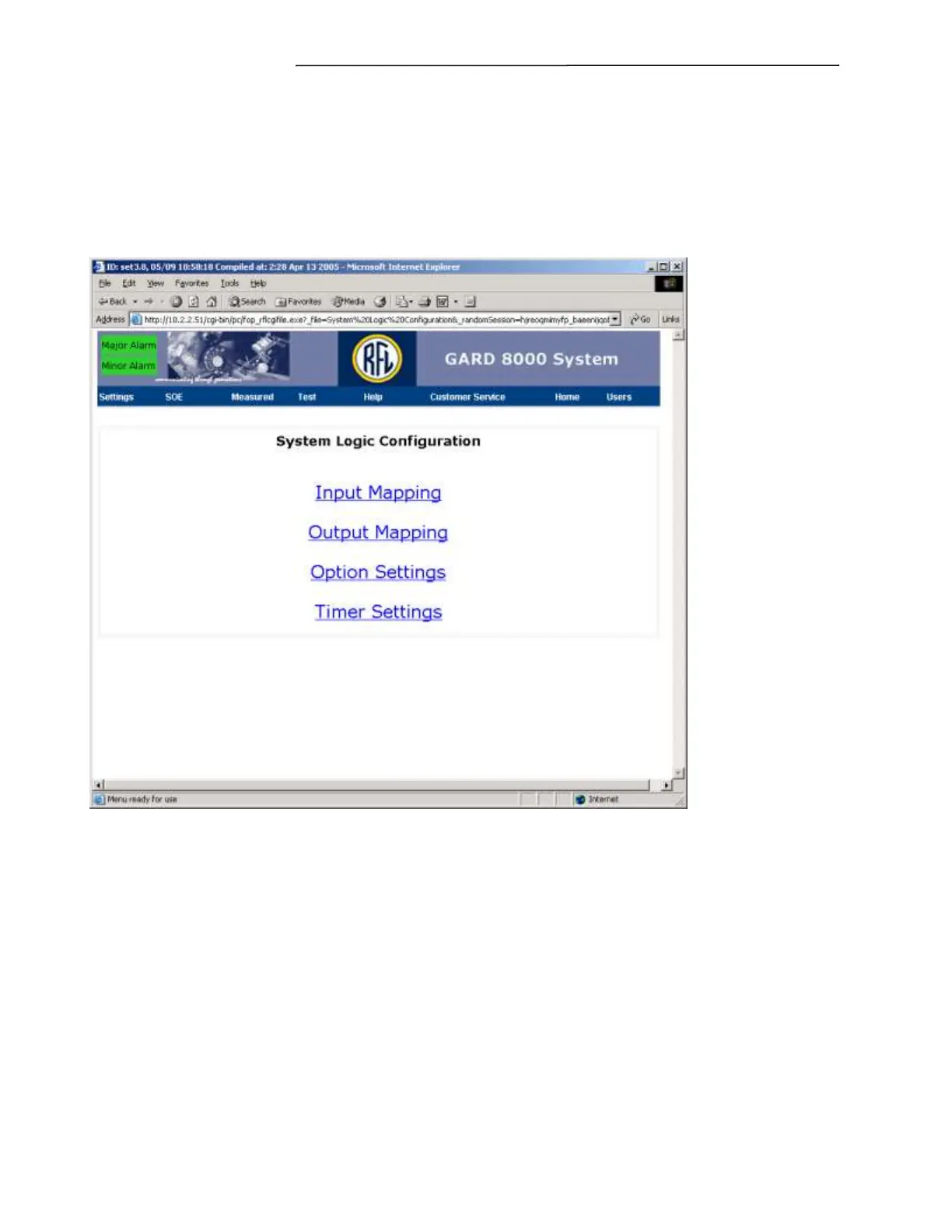
Database TXT upload. From the toolbar select Settings> System Logic Configuration. A screen similar
to the one below will appear.
Figure 7-70. System Logic Configuration web page



 To Next Page