Chassis Configuration Settings
GARD 8000 SYS RFL Electronics
April 1, 2012 7-7 973.334.3100
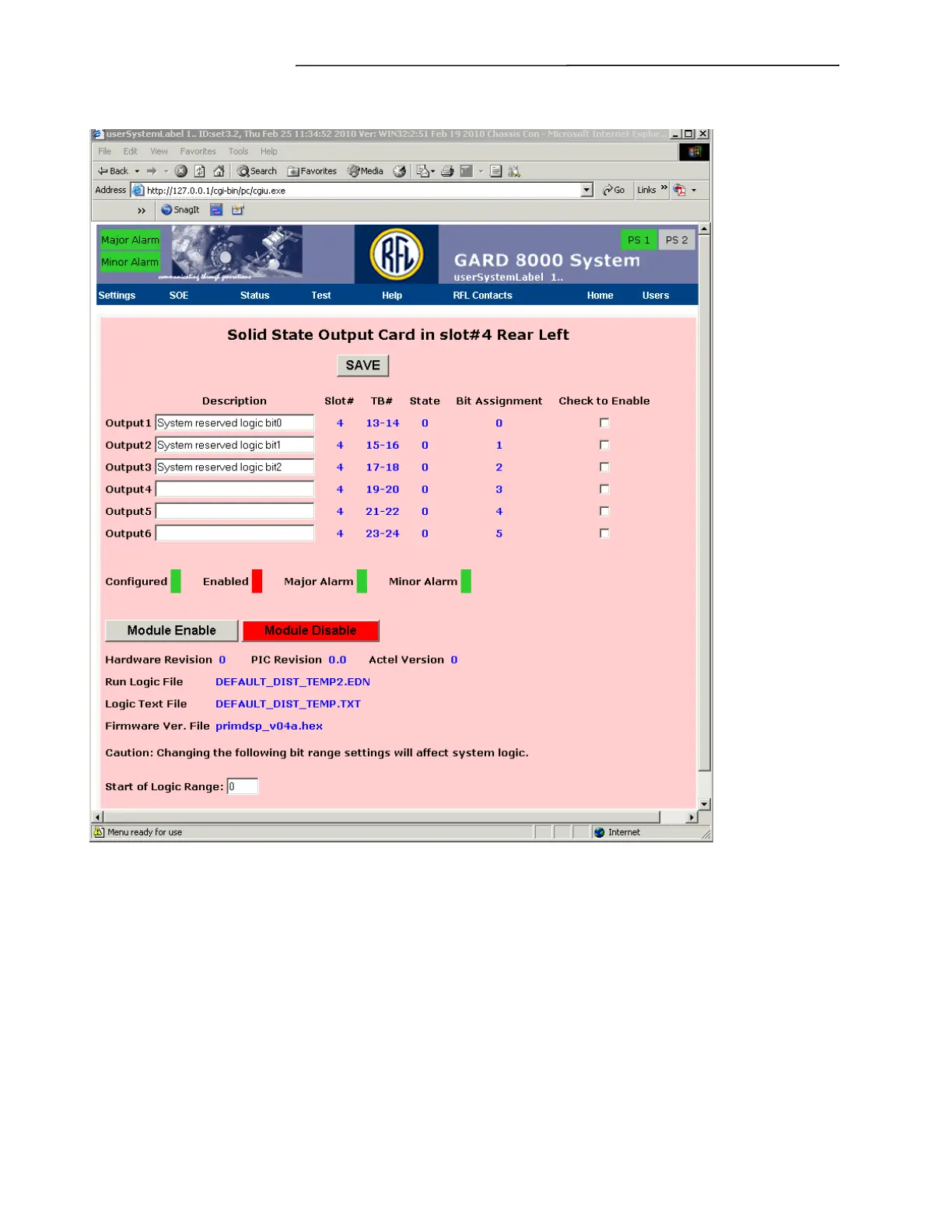
Select “Solid State Output” module. A screen similar to the one below will appear.
Figure 7-5. Relay Output Card in slot #4 Rear Left web page
The following discussion gives a description of the Configuration Settings for the Relay Output Card
in slot #4 Rear Left web page.
Description
Enter in the desired description for the 6 outputs on the I/O module.
Check To Enable
Check off any or all of the boxes to enable the outputs to be linked to the logic.
Module Enable
Select Module Enable to activate the I/O module to be active within the GARD chassis.
Module Disable



 To Next Page