Tests and Diagnostics
GARD 8000 SYS RFL Electronics
February 14, 2011 11-21 973.334.3100
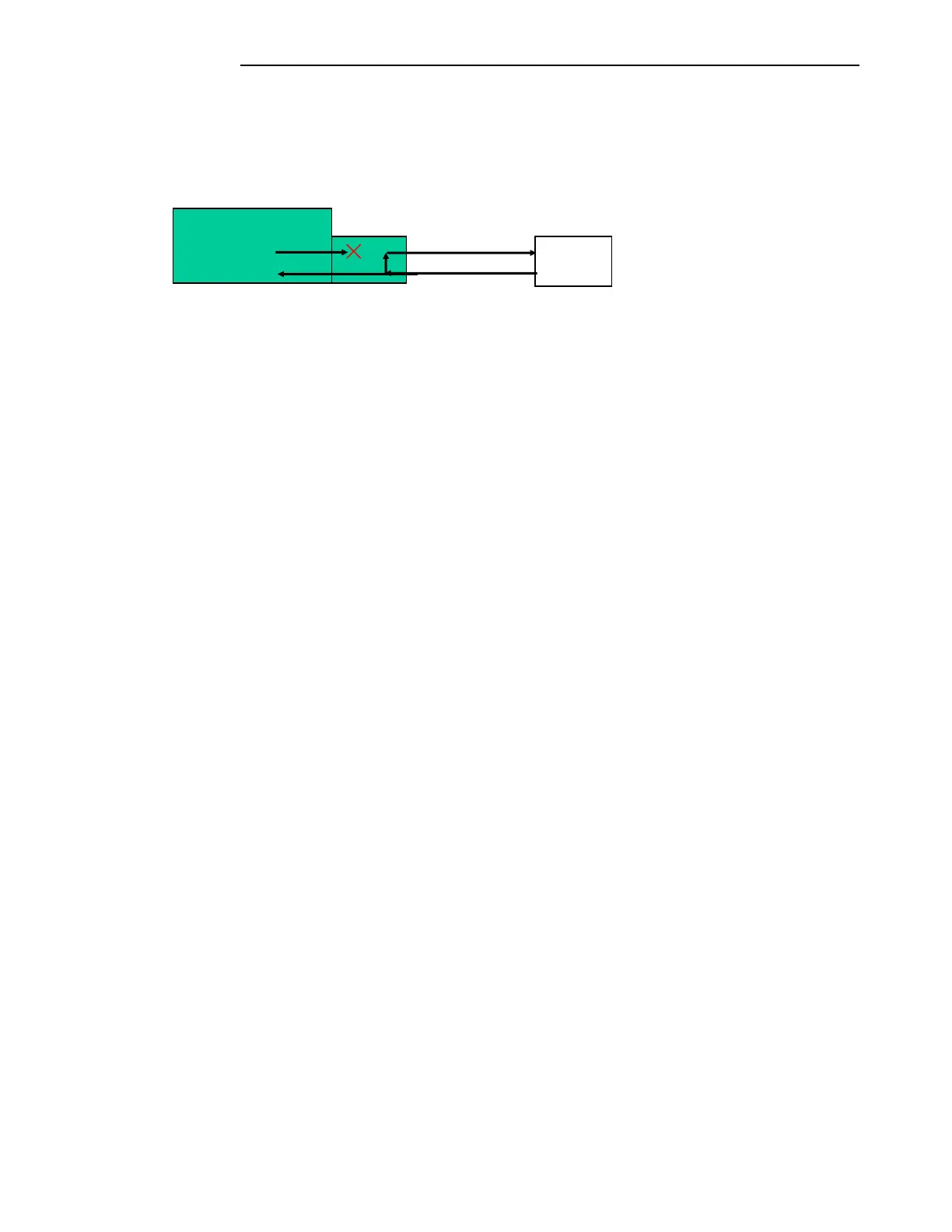
Remote Loop-Back:
The remote loop-back function directs the received data back out the C37.94 interface module to the
remote GARD 8000 system. The local transmit data is interrupted. The received data is passed through
to the GARD 8000 system. See figure 11-10.
Figure 11-10. Manual Loopback
Click on the “Remote Loop-Back” button to enable.
Click on “Execute”.
Each loop-back mode has an enable disable button associated with it. By clicking on the button the
user can enable different types of loop-back tests. When a test is disabled the assigned button is green,
when a test is enabled the button will be red. The test will not start until the execute button is selected.
There is a “Loop Back” status indicator that will turn red and display “ACTIVE” if any of the loop-
back tests are currently being run or will be green and display “DISABLED” if all loop-back modes
are disabled. The C37.94 interface will also issue a minor alarm while in loop-back and the C37.94
interface button on the inventory pages will be yellow.
Exit Loop-back:
To exit a loop-back test:
Click on the active loop-back test button.
The button will change from red and “Active” to green and “Disabled” and hit
“Execute”.
The module will remain in loop-back until the execute button is pressed.
The “Loop-back” status will change from red and Active to green and Disabled.
Any system settings that were changed during testing must be returned to normal
operating before returning the equipment to service.
The minor alarm, TX Activity and RX Activity indicators will be green.
Reset error counters.
GARD Communications Bus:
Identifies what communications bus, 1 or 2, the Transmit (TX) and Receive (RX) data of the
C37.94 interface module is assigned to.
GARD Communications Direction:
Identifies what communications bus direction, A or B, the Transmit (TX) and Receive (RX)
data of the C37.94 interface module is assigned to.
Terminal



 To Next Page