System User Interface
GARD 8000 SYS RFL Electronics
August 1, 2012 5-25 973.334.3100
8 ON-OFF pairs of buttons, if they are not
defined on the configuration web page they will
not appear here
Current state has
dark boarder and
underline
Color set on the
configuration
web page
Text set on
configuration
web page
LED's driven by
HMI in bits
Appears if checked on the
configuration web page, replaces
the normal 2-button ON-OFF
style. When this button is
pressed and confirmed the HMI
bit will be set high and then low,
this allows functions like reset to
be accomplished.
OFF0
Breaker 12
ON 0
ON 2
OFF2
Breaker 22
OFF1
ON1
ON 4
ON 6
ON 3
OFF3
OFF 4
ON 5
Reset
Mod 12 Mod 22
OFF5
OFF6
Description 4
Description 5
Description 6 Description 7
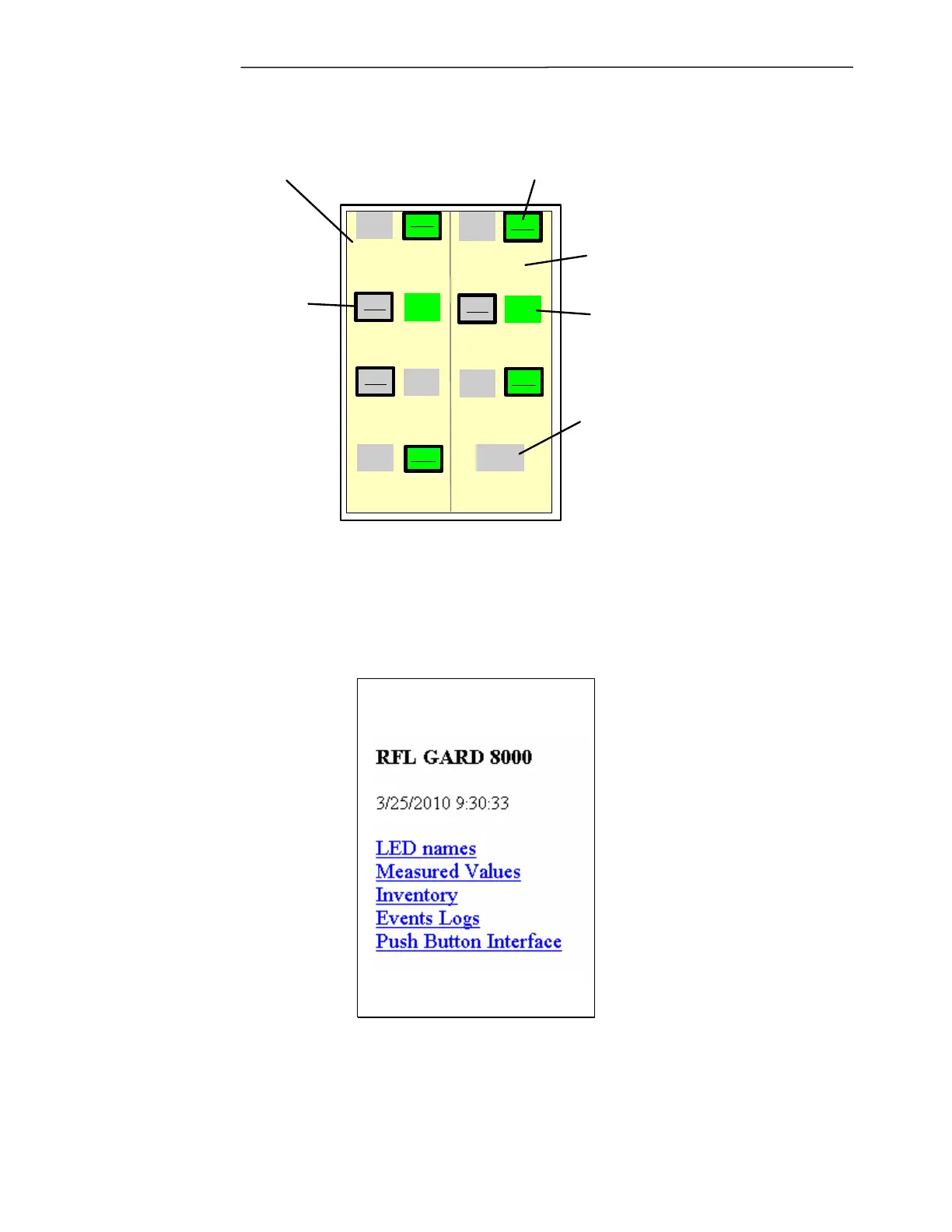
Figure 5-19. TSD Push Button Interface.
If a Push Button Interface web page is not configured (i.e. 0 input bits are selected) the TSD will
automatically display the Main Menu as shown below, this is the default.
Figure 5-20. TSD Main Menu.



 To Next Page