Tests and Diagnostics
GARD 8000 SYS RFL Electronics
February 14, 2011 11-14 973.334.3100
Manual Loop-Back:
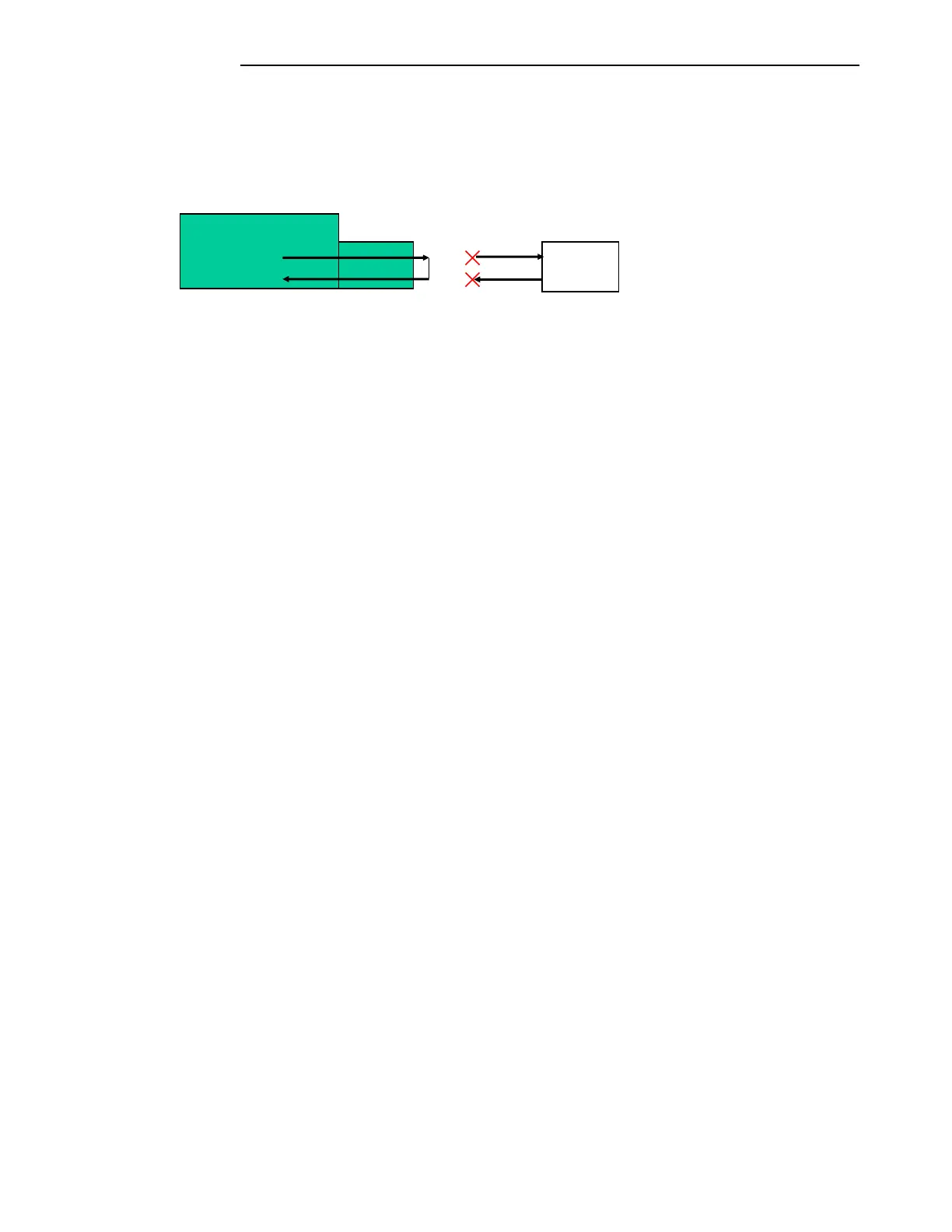
The manual lop-back requires an external loop-back connector attached to the 37-pin interface
connector. The loop-back connector acts as a crossover for the transmit data and receive data. The
GARD 8000 must be disconnected from the remote terminal. See Figure 11-5.
Figure 11-5. Manual Loopback
If the digital interface module is internally timed:
Connecting the loop-back connector will loop the chassis back on itself.
The manual loop-back button does not need to be activated.
Set the devices, TPS channels or Functional modules, TX and RX addresses to the same
value.
If the Digital interface is in Loop timing:
Remove the cable from the DB-37 connector.
Select click on the “Manual Local” button to enable.
Click on “Execute”.
Attach the loop back connector.
Set the devices, TPS channels or Functional modules, TX and RX addresses to the same
value.
An external loop-back plug can be made using a female DB-37 connector and jumper:
Pins 4 to 6
Pins 22 to 24
Terminal



 To Next Page