System User Interface
GARD 8000 SYS RFL Electronics
August 1, 2012 5-35 973.334.3100
Local IP Alias for Remote Unit
This is the IP address to access the remote GARD unit, subject to the constraints of the local IP
Netmask.
Remote System Netmask
The IP Netmask of the rear Ethernet port on the remote GARD unit.
Remote System Rear IP Address
This is the IP address to access the local GARD unit, subject to the constraints of the local IP Netmask.
End-Point Type
Allows a GARD unit to be designated Secondary or Primary.
Unused Ports
All unused ports in GARD 8000 are closed.
Firewalls and encryption
With Image Software Release 7.1 encryption is provided as an option (See 5.6.2).
5.7.1 CONFIGURING A REMOTE SERVICE CHANNEL
COM 0
COM 0
GARD8000
Primary (A)
(n.n.n.100)
GARD8000 (B)
(n.n.n.110)
n.n.n.111
192.168.1.3
n.n.n.101
192.168.1.3
Local IP alias for remote unit
64 kbps
Rear Port IP Address
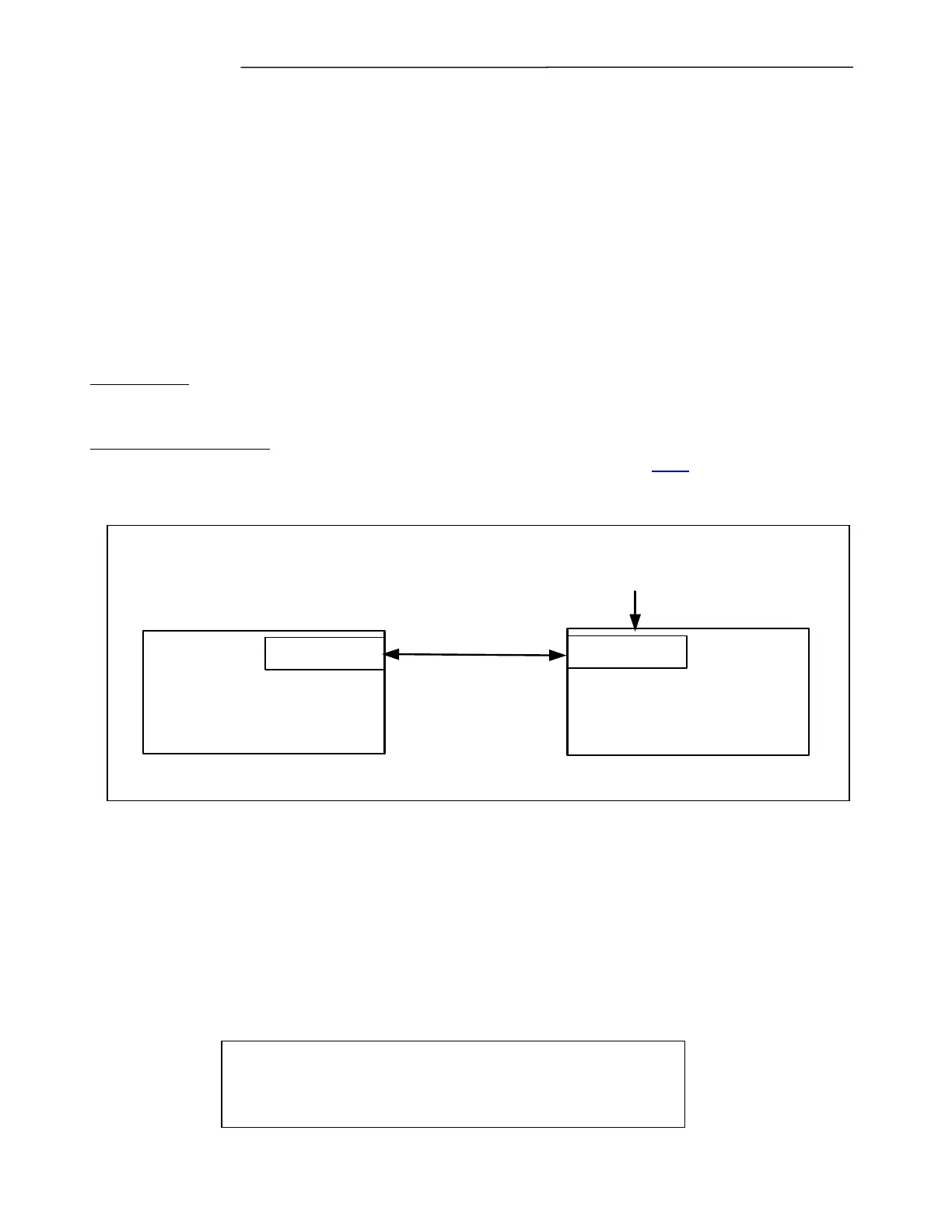
Figure 5-27. Remote Service Example
As shown in the example above GARD (A) and GARD (B) will be configured for a 64 kbps “Remote
Service Channel” over COM 0. The GARD (A) unit has an Ethernet connection through a Rear Port
whereas the GARD (B) unit does not. Therefore, in order to reach the GARD (B) remotely the
“Remote Service Channel” function of the GARD8000 system can be implemented. The Remote
Service Channel function (64 kbps connection) requires an additional spare “Time Slot” that needs to
be programmed through the web pages (Communications Time Slot Configuration).
To program GARD (A) and GARD (B) for Remote Service proceed as follows:
NOTE
Before the Remote Service Channel can be used both
GARD (A) and GARD (B) must be configured.
.



 To Next Page