GARD DNP Configuration and SNMP Trap Agent
GARD 8000 SYS RFL Electronics
April 23, 2015 16-6 973.334.3100
Support RS-485 Master
Check to enable or disable communications to a DNP3 Master Computer using the RS-485 protocol.
RS-485 mode
Set to 2 or 4-wire.
RS-485 baudrate
Sets the baud rate for the RS-485 port. The choices are: 2400, 4800 and 9600 baud.
RS-485 parity
Sets the parity bit control for the RS-485 port.
RS-485 stop bits
Sets the Stop bit length for the RS-485 port.
Clink save once the web page is configured.
Save should be clicked after each of the following web pages are configured.
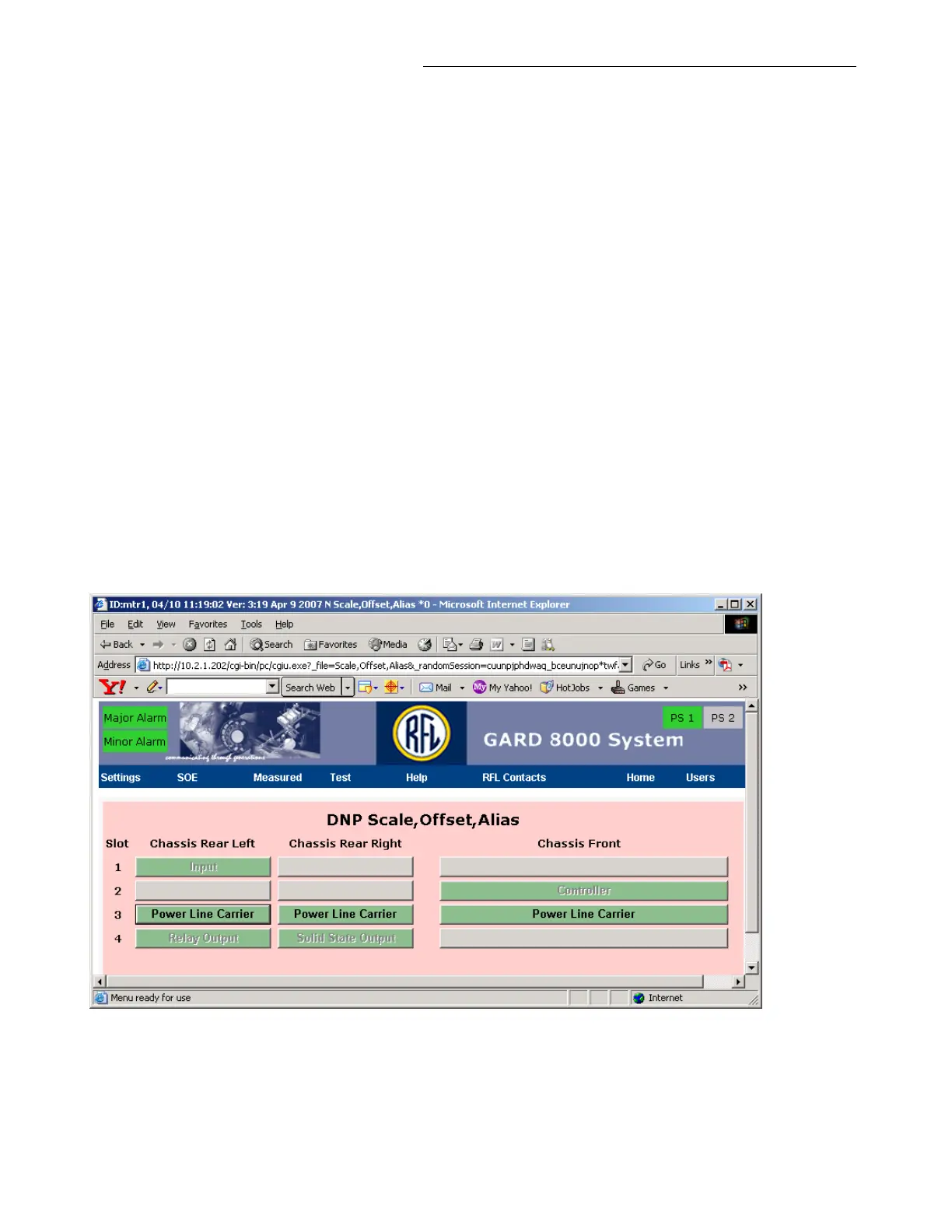
Setting Aliases on the Scale, Offset, Alias web page:
From the pull-down menu select Settings > DNP >Scale, Offset, Alias, the following web page will
appear.
Figure 16-7. DNP Scale, Offset, Alias web page
Note that the installed modules are grayed out, except for those that can have points mapped to DNP.
Click on Power Line Carrier, the following web page will appear.



 To Next Page