System User Interface
GARD 8000 SYS RFL Electronics
August 1, 2012 5-1 973.334.3100
SECTION 5. SYSTEM USER INTERFACE
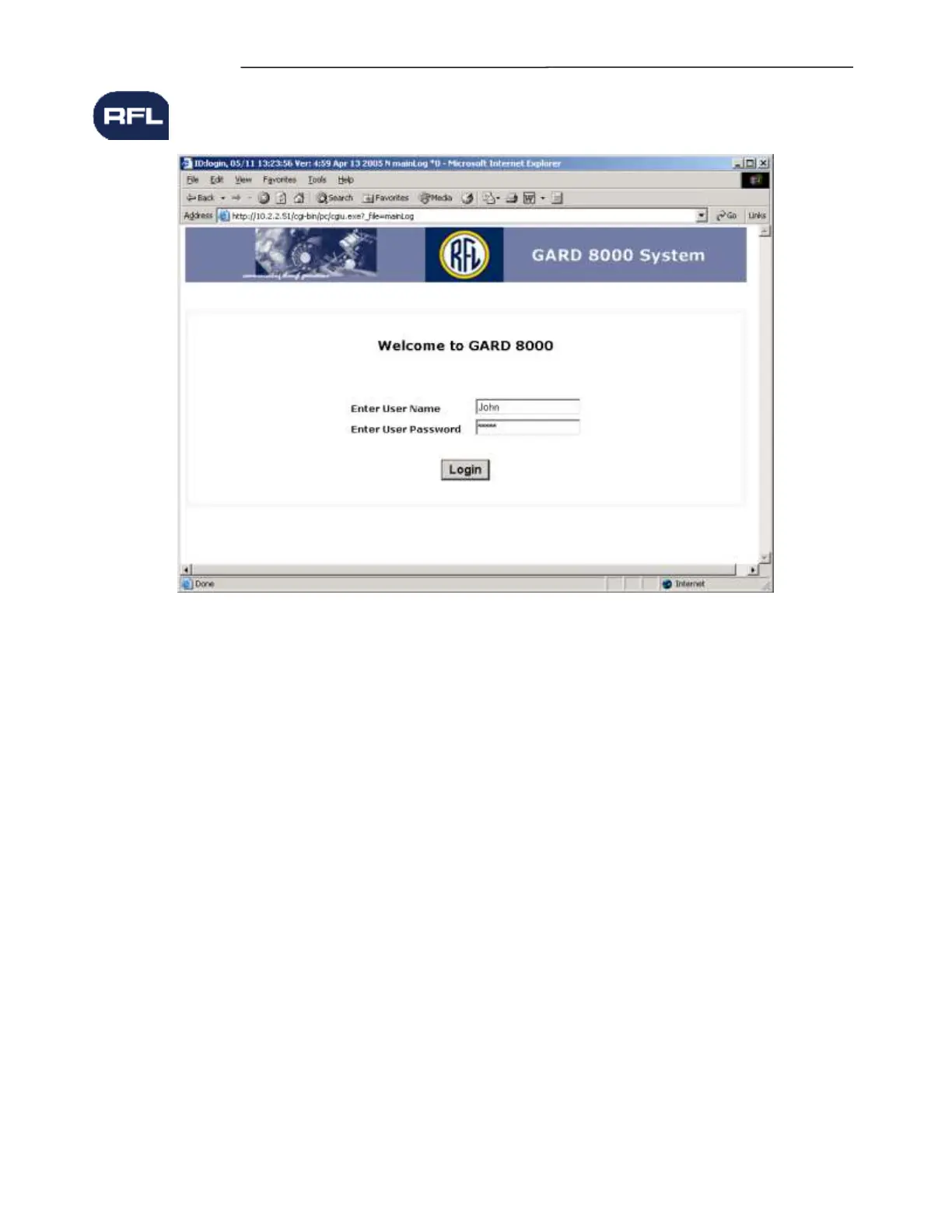
Figure 5-1. GARD 8000 Log-In Page
5.1 WEB SERVER
The GARD 8000 System is accessed via the Internet Explorer web browser on a PC. Optionally, the
Firefox web browser can also be used. The web server itself resides on the system so there is no need
to install any application specific software on the PC.
Note: When switching between multiple GARD units with the same IP address through the
front port, allow at least 20 seconds before connecting to another GARD or IP device. The PC
will retain address information in its cache.
The GARD 8000 has three User Interface communication ports; a front RJ45 Ethernet port, a rear RS-
232 port, and a rear RJ45 electrical or optical Ethernet port. Refer to Figures 5-2 through 5-5 for the
location of these ports. It is recommended that the operator use the front RJ45 port for local access as
this will give much faster operation than via the RS-232 serial port. See Section 5.2.3
There is an Ethernet switch built into the GARD 8000 that allows a connection from the front or rear.
The GARD does not permit simultaneous access by two operators at once. The second operator will
receive a notification if the unit is in use.



 To Next Page