Chassis Configuration Settings
GARD 8000 SYS RFL Electronics
April 1, 2012 7-88 973.334.3100
7.3.4 SOE SYSTEM COUNTERS
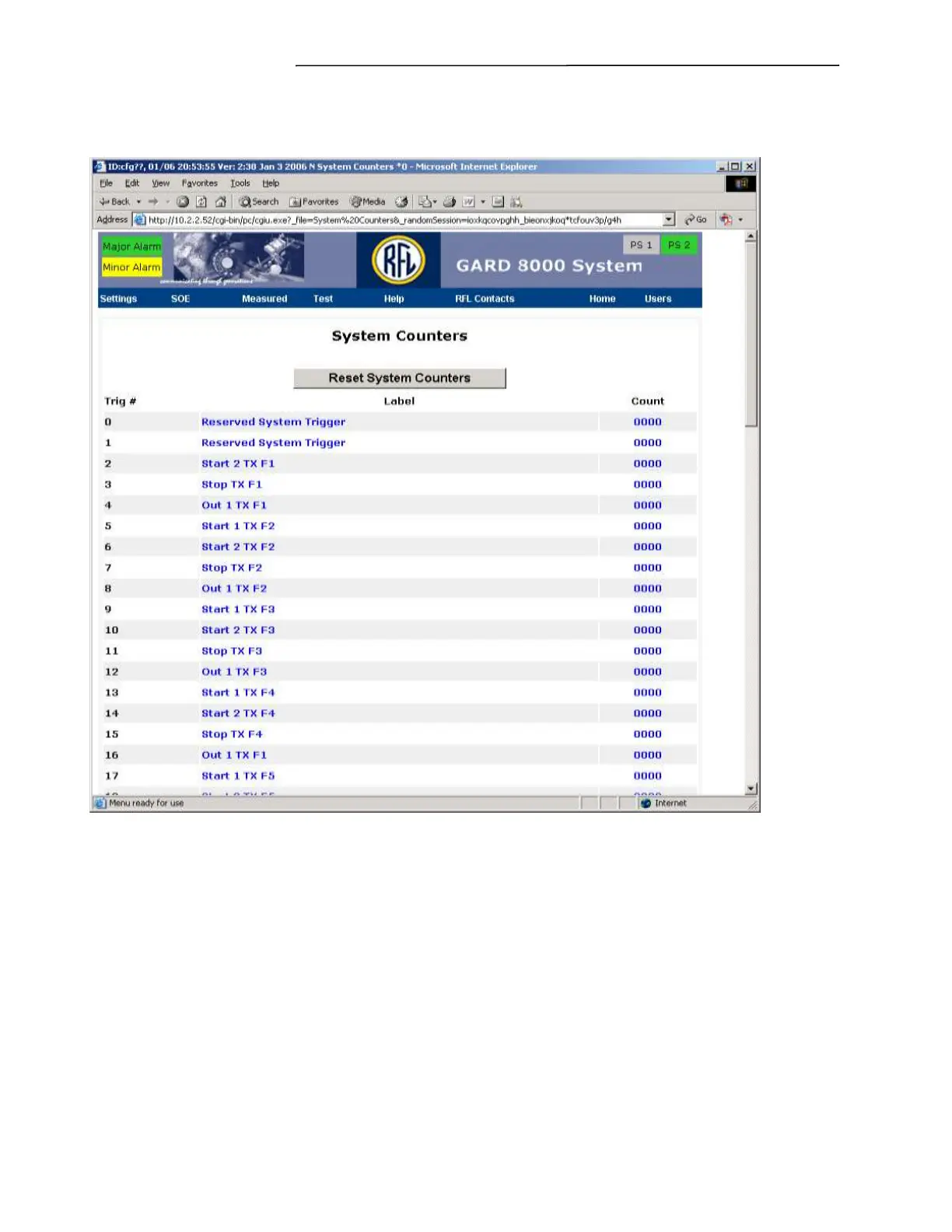
From the Toolbar select SOE>System Counters. The following screen will appear.
Figure 7-54. System Counters web page
This “Read Only” web page will inform the user of the count of enabled triggers. The count can be re-
set by clicking the “Reset System Counters” button.
Trig #:
The Trig # column identifies the trigger number used in the custom logic file. The first 2
numbers are reserved by the GARD 8000 system and cannot be assigned or changed by the
user.
Label:
Label for each of the triggers.
Count:
Count for the Enabled Trigger.



 To Next Page