Installation and Commissioning
GARD 8000 SYS RFL Electronics
November 28, 2017 4-21 973.334.3100
Now that the IP address has been successfully changed go directly to Internet Explorer, type in address
http://192.168.1.1 and access the GARD 8000 homepage.
GARD 8000 Front Port Ethernet LED’s
A proper operation of the Front Ethernet Port can be monitored using the LED’s on the RJ-45
connector.
Table 4-4. Front Port Ethernet LED’s
Display Link and Receive Status.
a) Solid color indicates link.
b) Blinking color indicates Link and Ethernet
Frames being received.
Display Transmit Status
a) Blinking color indicates Link and Ethernet
Frames being received.
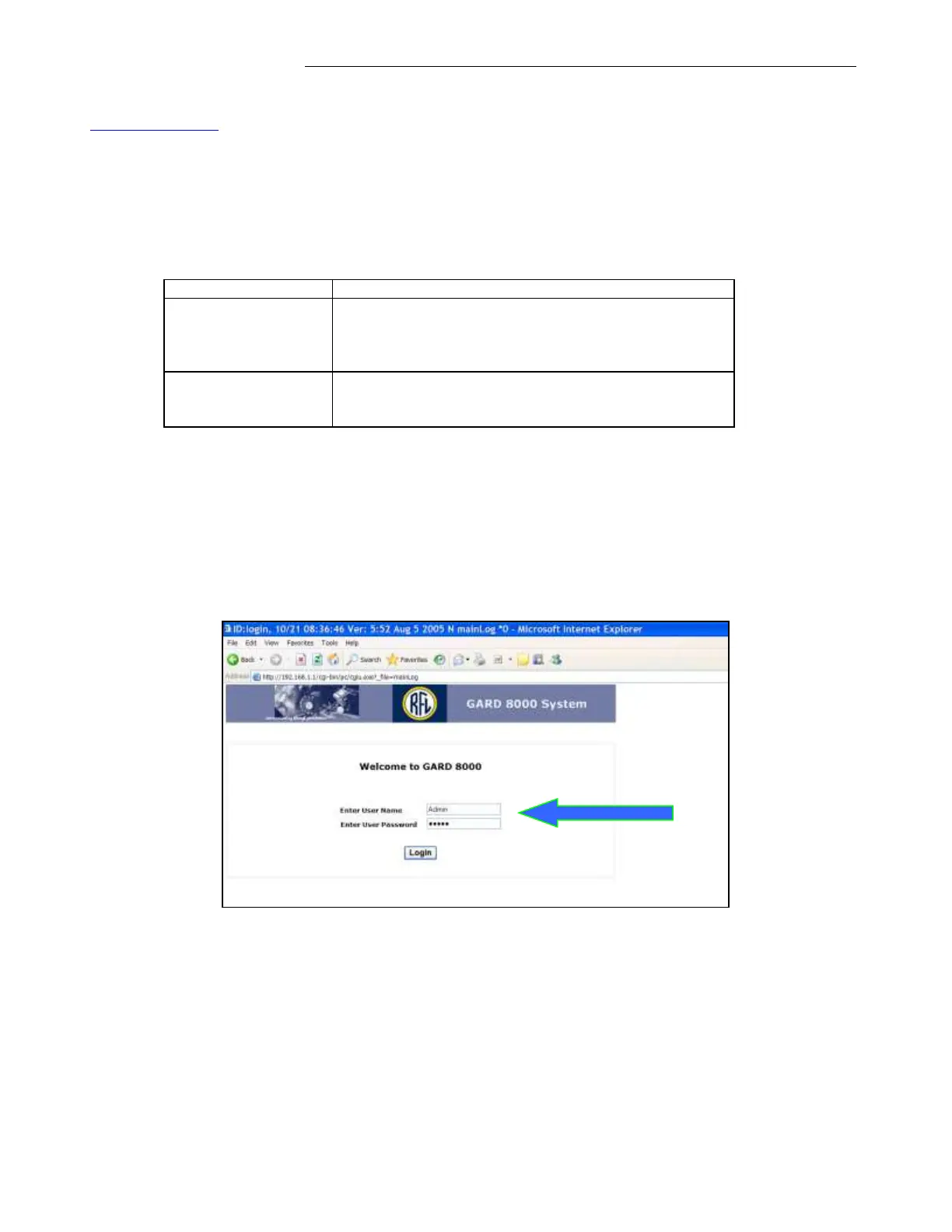
Communicating with the GARD 8000-Administrator Login
Upon successful login to the GARD 8000 unit the following page will be displayed. Unless the
Administrator ‘Admin’ User Name and Password were changed by the IT dept. or changed at
RFL due to a special request the default Administrative User Name and Passwords are
programmed for: Admin. Both User Name and Password are case sensitive.
The ‘Admin’ user has the following administrator privileges:
1. Rear port TCP/IP address assignments.
2. Adding and removing users.
3. Assigning access levels to users.
4. Enabling and disabling users.



 To Next Page