Chassis Configuration Settings
GARD 8000 SYS RFL Electronics
April 1, 2012 7-4 973.334.3100
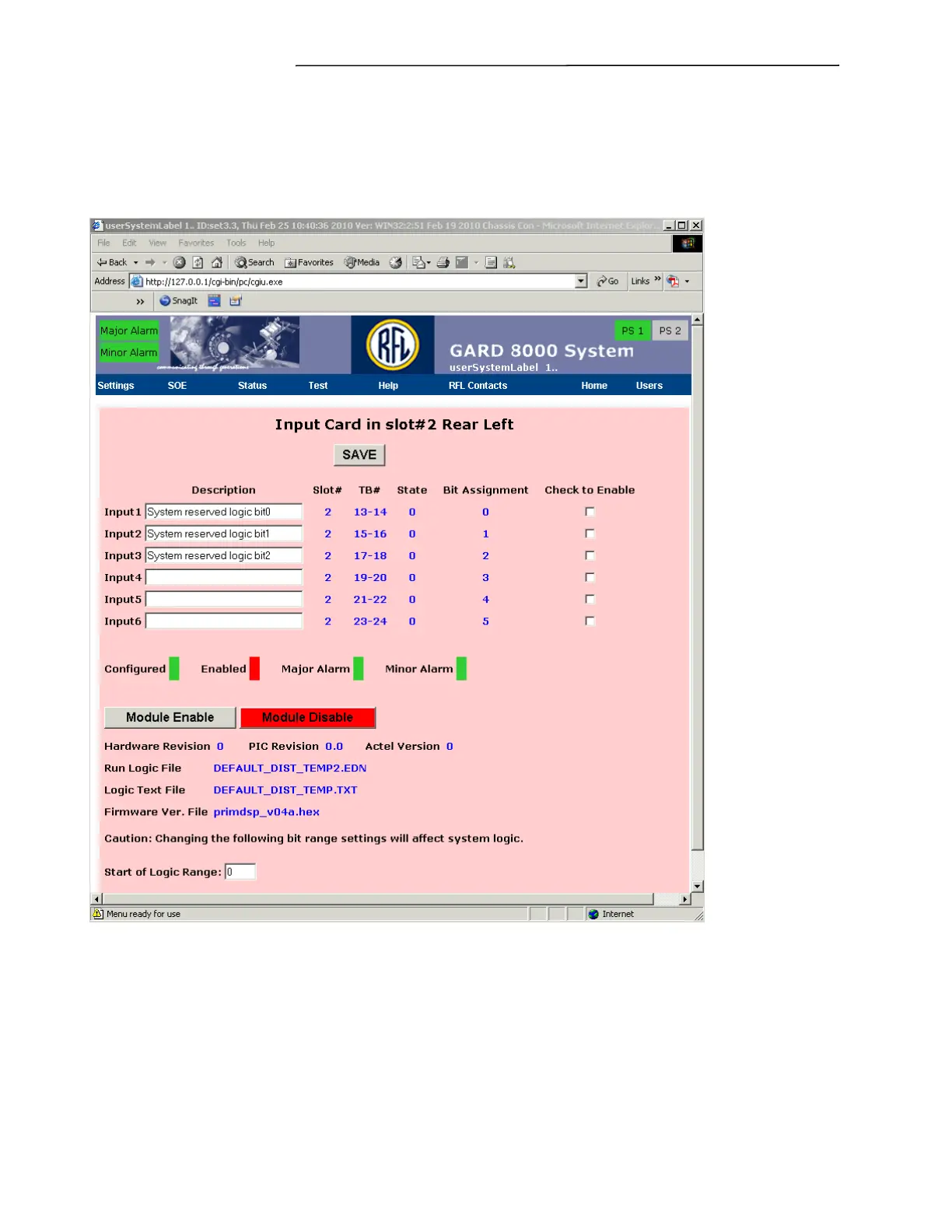
Selecting a module will bring up that modules configuration settings screen. Selecting the Input
module in Chassis Rear Left, Slot #2 will bring you to the web page shown in Figure 7-3. Note that
this web page has several description boxes that must be filled in, and other boxes that must be
checked. The following discussion describes how to make these selections.
Figure 7-3. Input Card in slot #2 Rear Left web page
Description
Enter the desired description for each of the 6 inputs (Input 1 through Input 6) on the I/O module.
Check To Enable



 To Next Page