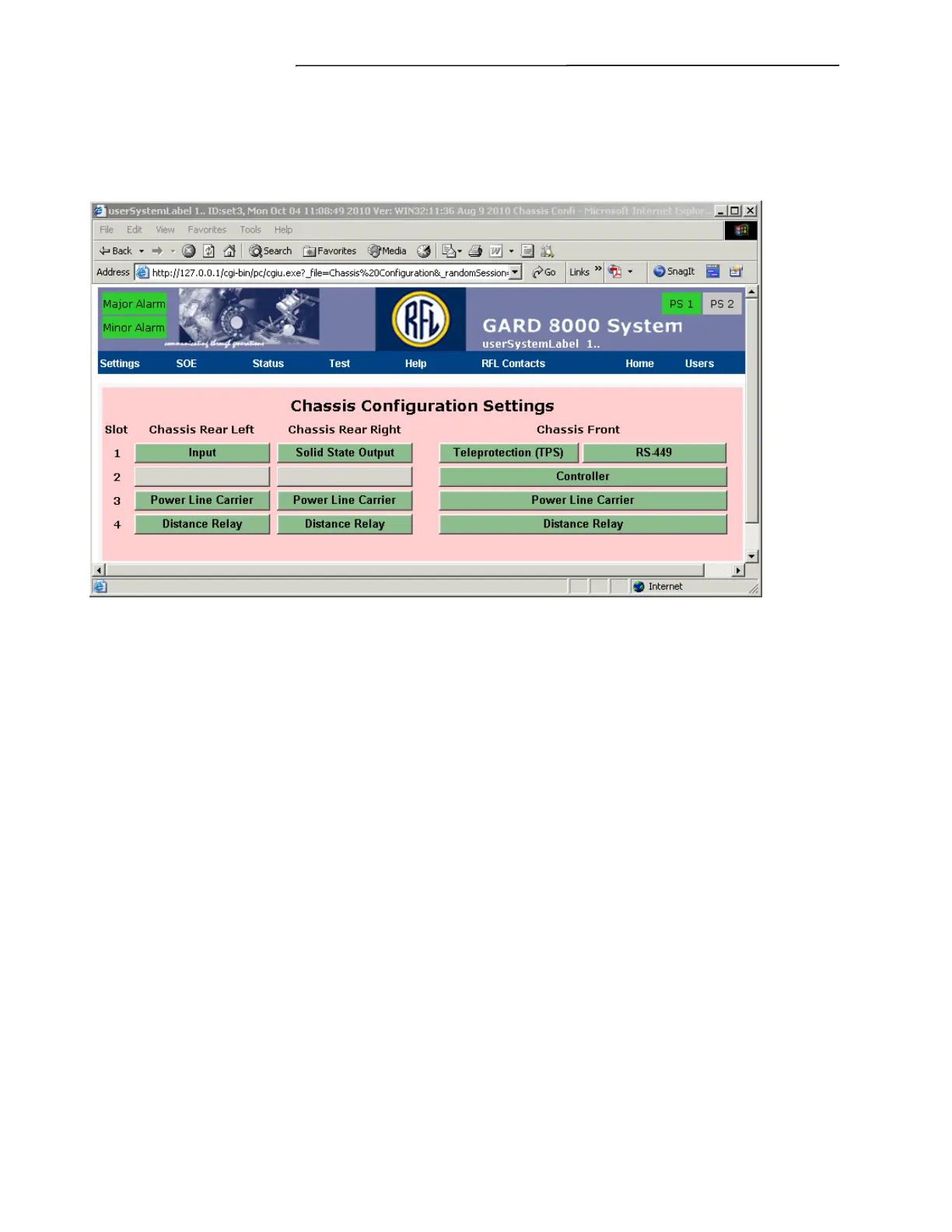
Chassis Configuration Settings
GARD 8000 SYS RFL Electronics
April 1, 2012 7-58 973.334.3100
7.2.12 POWER LINE CARRIER CONFIGURATION SETTINGS
From the toolbar select Settings, Chassis Configuration. A web page similar to the one shown below
will appear, showing the installed modules and their current status.
Figure 7-35. Chassis Configuration Settings web page
Click on the Power Line Carrier button. A Web page similar to the one shown on the next page will
appear.



 To Next Page