System User Interface
GARD 8000 SYS RFL Electronics
August 1, 2012 5-13 973.334.3100
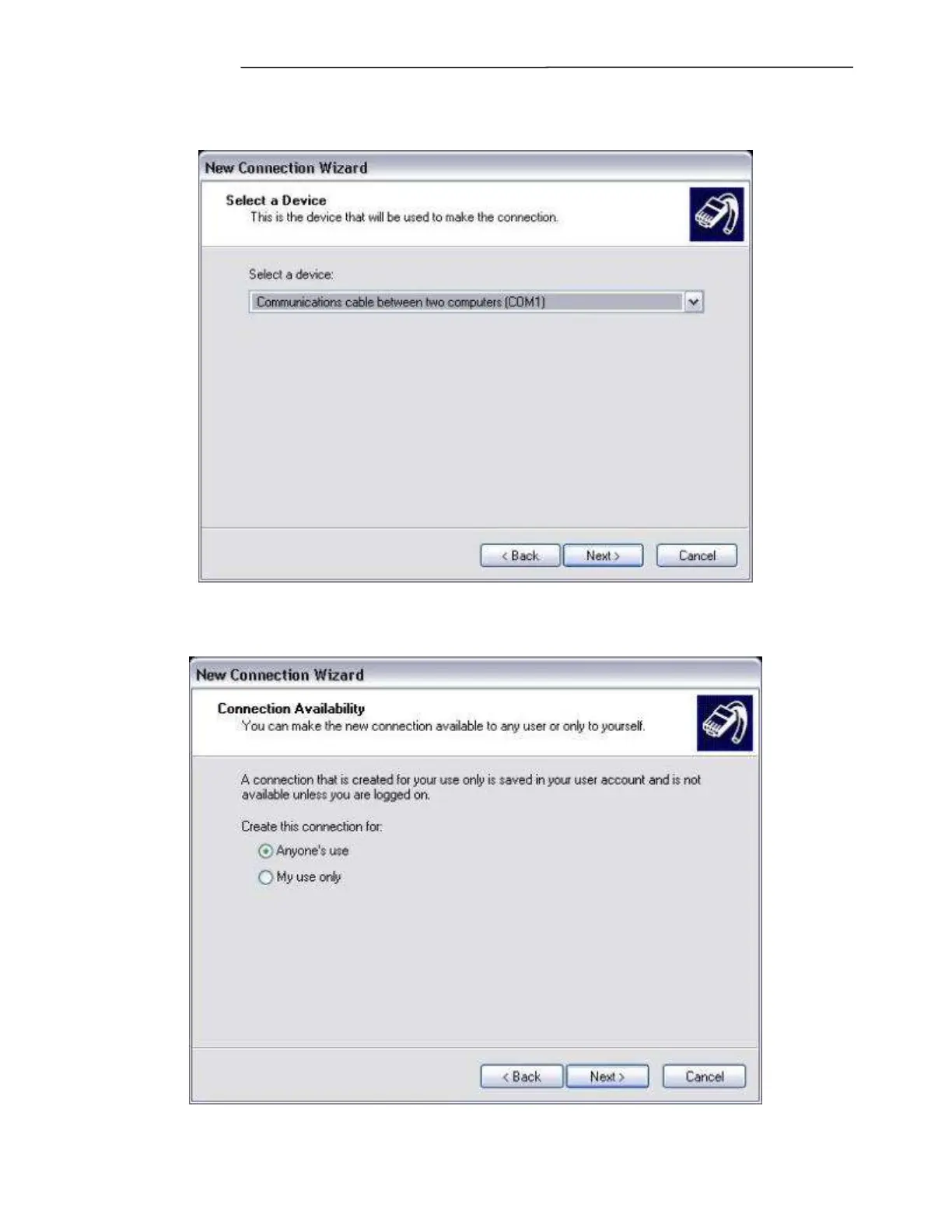
8. Select the COM port you wish to use, and click Next.
9. If you want this connection to be accessible by other users on the PC, choose Anyone’s use.
Otherwise choose My use only. Click Next.



 To Next Page