System User Interface
GARD 8000 SYS RFL Electronics
August 1, 2012 5-16 973.334.3100
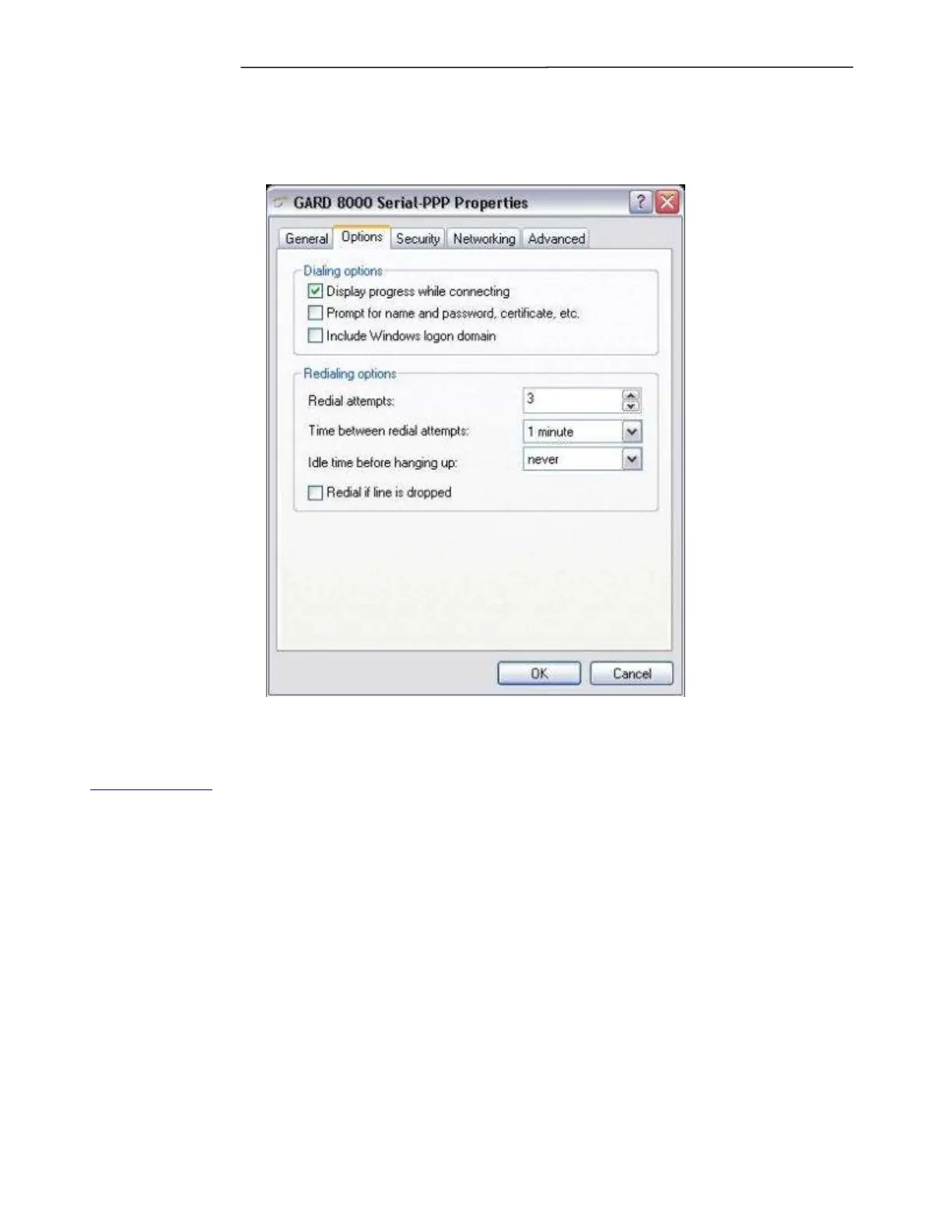
14. On the Options tab disable the Prompt for name… option. And click on OK.
You have now properly setup the connection. Connect the RS-232 cable the front port on the GARD 8000 and
double-click the icon on the desktop to initiate the connection. Once the connection is established, navigate to
http://192.168.1.1/ with Internet Explorer.



 To Next Page