Current Differential Relay
GARD 8000 SYS RFL Electronics
June 20, 2014 13-84 973.334.3100
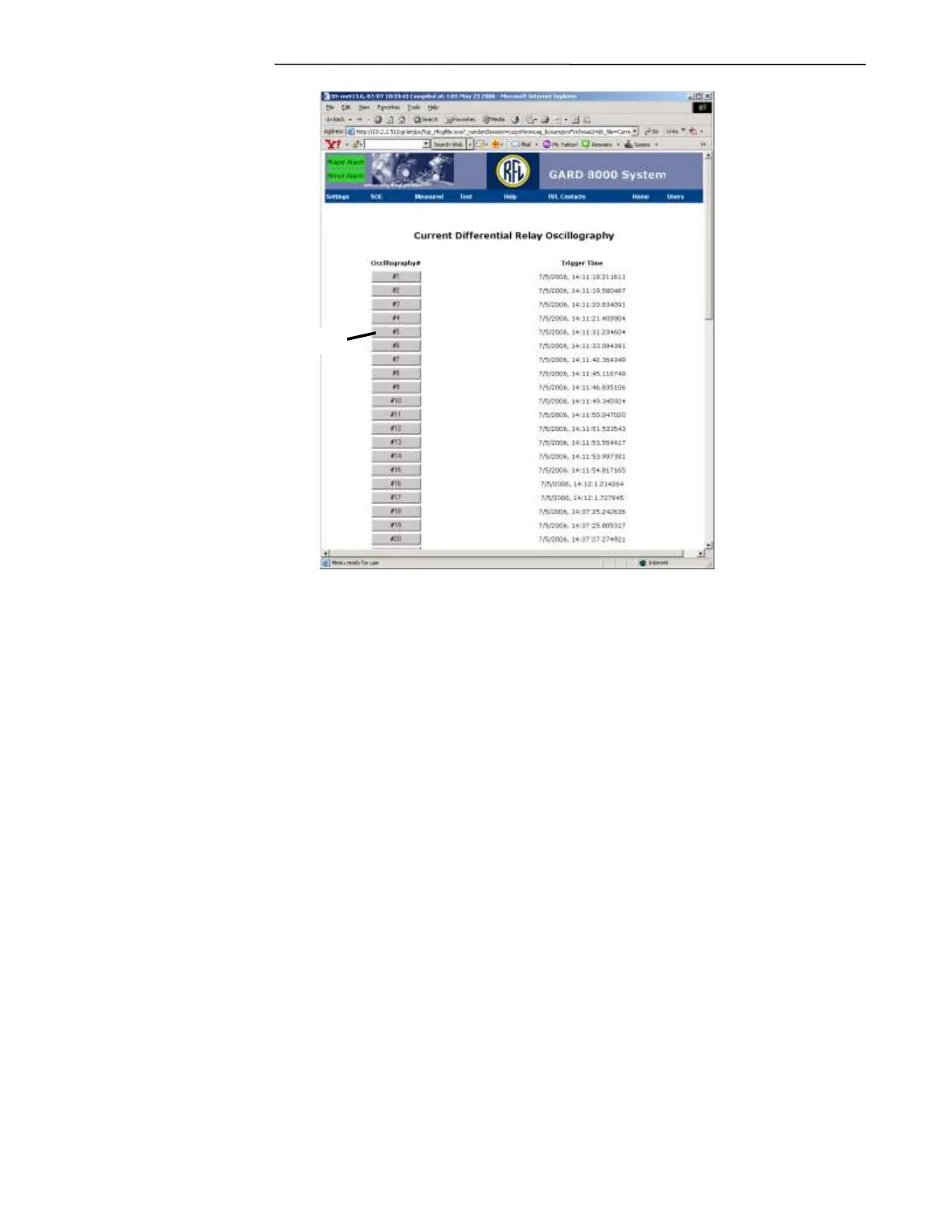
1. After clicking on the record a standard Windows dialog box will appear. Note; this may take a
few minutes if the file is very large.
2. In the box that appears click “Save”
3. Browse to the directory where you wish to save the files.
4. Click “Save”
5. It will be a zipped file folder.
6. Once saved, right click the folder and select “Extract All.”
You will now be stepped through an Extraction Wizard, there will be three files saved to your PC as
shown in the example below.



 To Next Page