GARD DNP Configuration and SNMP Trap Agent
GARD 8000 SYS RFL Electronics
April 23, 2015 16-22 973.334.3100
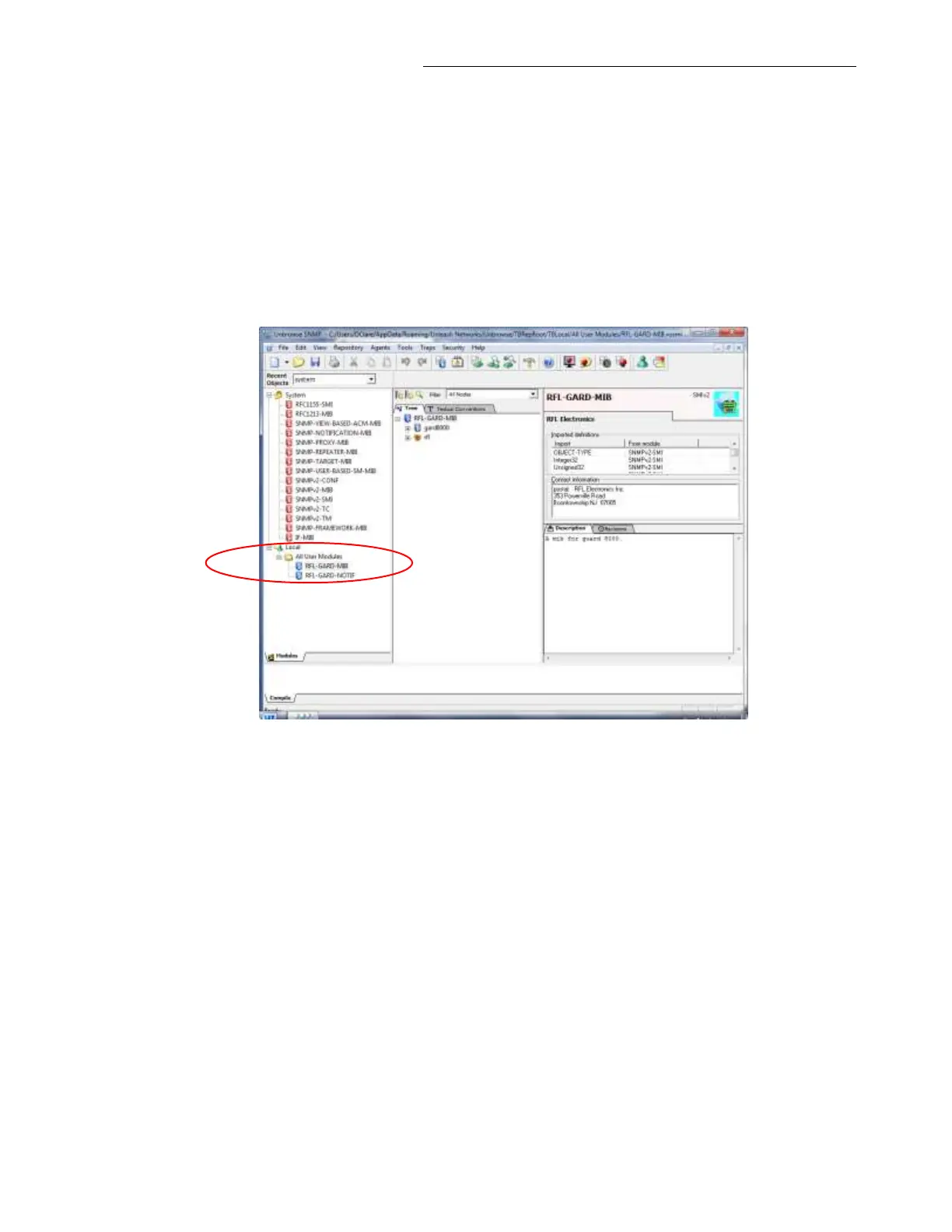
The following is a step-by-step procedure for loading the RFL MIB’s using a MIB browser.
1. Verify the SNMP Trap and Get Key.
a. Open a MIB Browser application (e.g. UnBrowse or WinAgent).
b. Load the RFL GARD MIB file to the MIB browser. Verify that no errors were found during
the MIB file loading.
UnBrowse SNMP Example.
c. Configure the MIB browser with the IP address of the GARD 8000, SNMP v3 user name
and password. (Create New Agent )



 To Next Page