For More Information
These tutorials are an introduction to Alias. They are not intended as an
exhaustive guide to the capabilities and options of Alias, and will not teach
you everything there is to learn about the products and workflows.
For additional information and more comprehensive explanations of tools
and options, refer to the online documentation included with the product,
and read Getting help on Alias on page 7.
Graphic Conventions
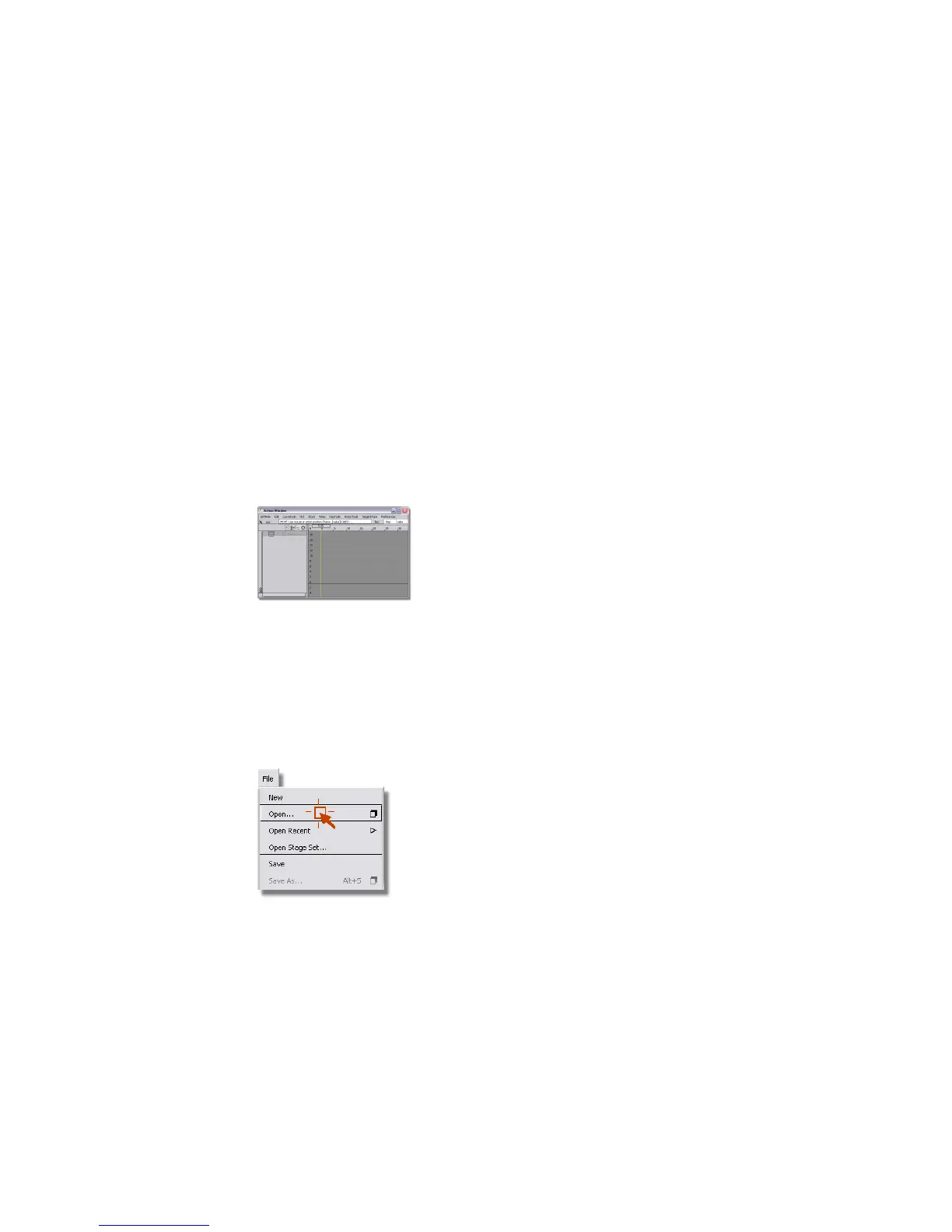
To call attention to part of a screen shot, we highlight the important area and
darken the rest of the image. For example, in the following picture, we have
marked the location of the close box on the Action Window.
To indicate a click, we use this symbol. For example, in the following picture
we have indicated that the Open command should be clicked. In the text of
the instruction, we will refer to this as File > Open. The first word or term is
the name of the menu or palette; it is followed by an arrow and the name of
the menu item or tool. In the case of a submenu, two arrows are used: Layouts
> All Windows > All Windows refers to the All Windows menu item
available from the All Windows sub-menu, which is found on the Layouts
menu.
To indicate that an option box for a tool or menu item should be opened, a
box appears after the tool name, like Surfaces > Skin ❒.
4 | Chapter 1 How to use this book



 To Next Page