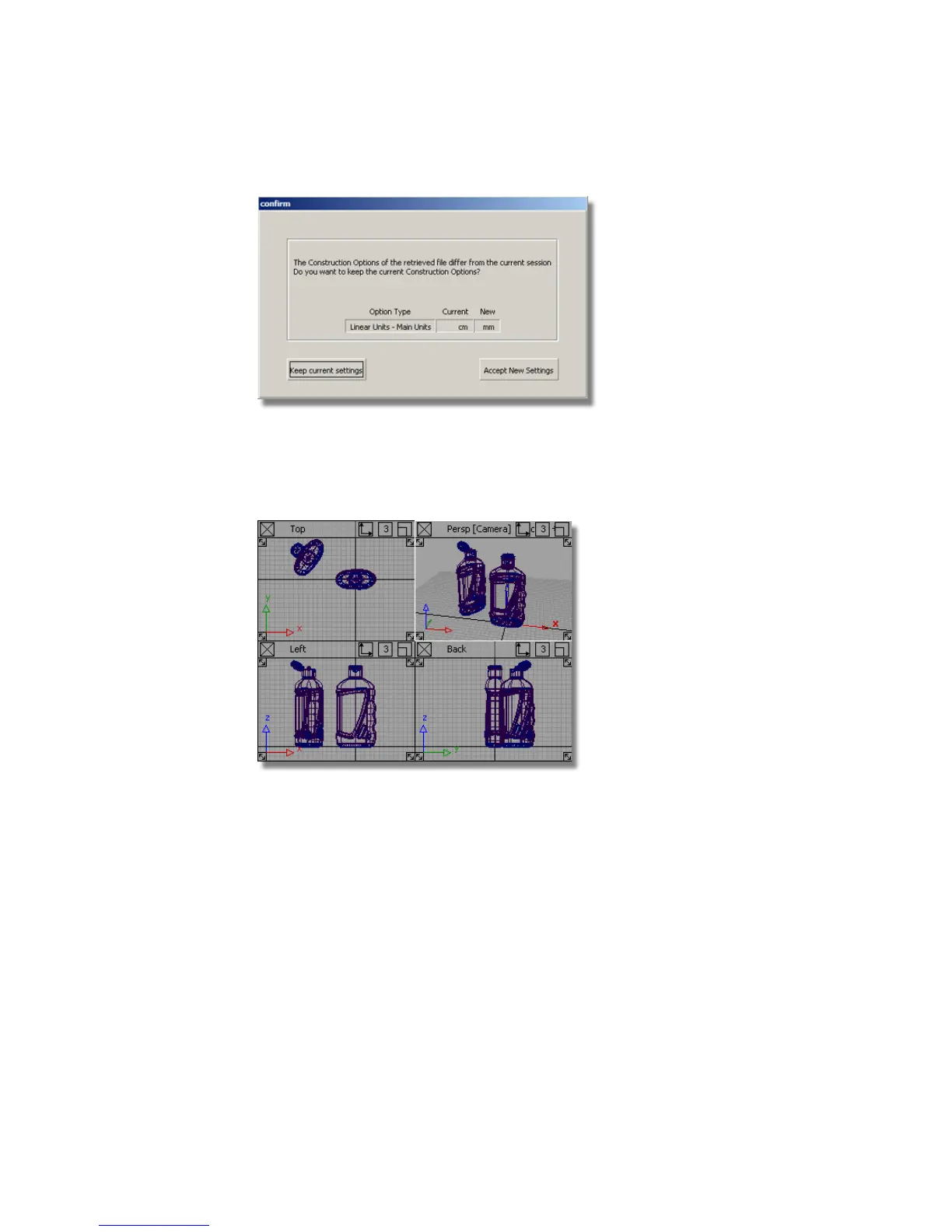
Click Accept New Settings to use the construction tolerances in
Render_Basics.wire.
The file is opened. The scene has two shower gel bottles in different positions,
one with the cap open, and one with it closed.
Viewing a Shaded Scene
When setting up a model to be rendered, it is useful to work interactively with
a rendered view. For this exercise, you will use Hardware Shade to work
directly on a shaded scene.
1 Maximize the Perspective view.
634 | Chapter 10 Shaders and Lights



 To Next Page