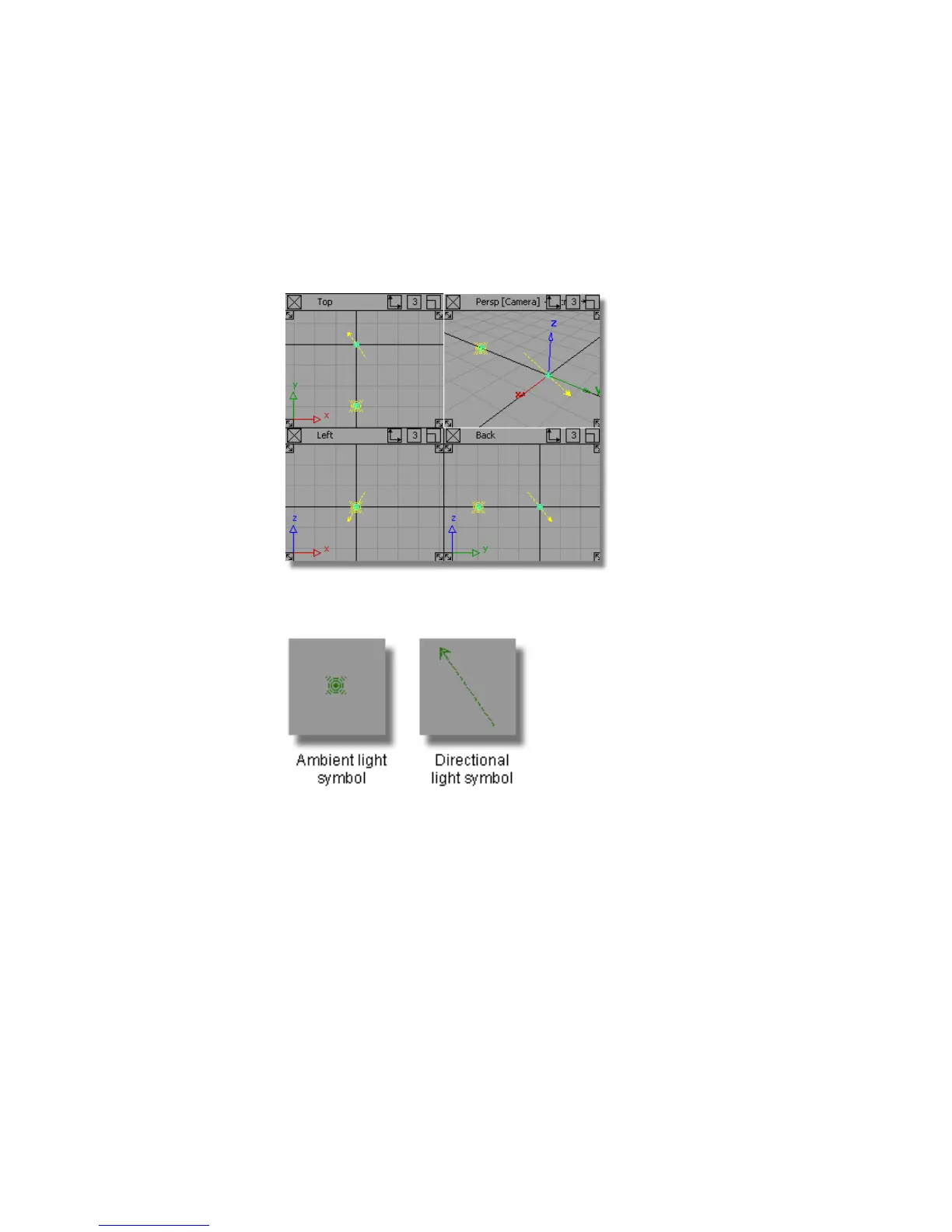
Lights in the Modeling Windows
Lights are also shown in the modeling windows. This allows them to be
positioned and rotated, so that lighting and shadows can be accurately
controlled.
The lights are shown as green symbols (yellow when selected), a different one
for each type of light.
The light symbols can be toggled on and off using the Show panel on each
window pane.
Shadows
The shadows a light casts can be used to help compose the scene.
In hardware shade, a virtual Ground plane can be enabled, which allows
shadows to be cast. You can choose to cast these shadows from one of your
lights, or from some preset lighting options.
Part 3: Lighting the Scene | 659



 To Next Page