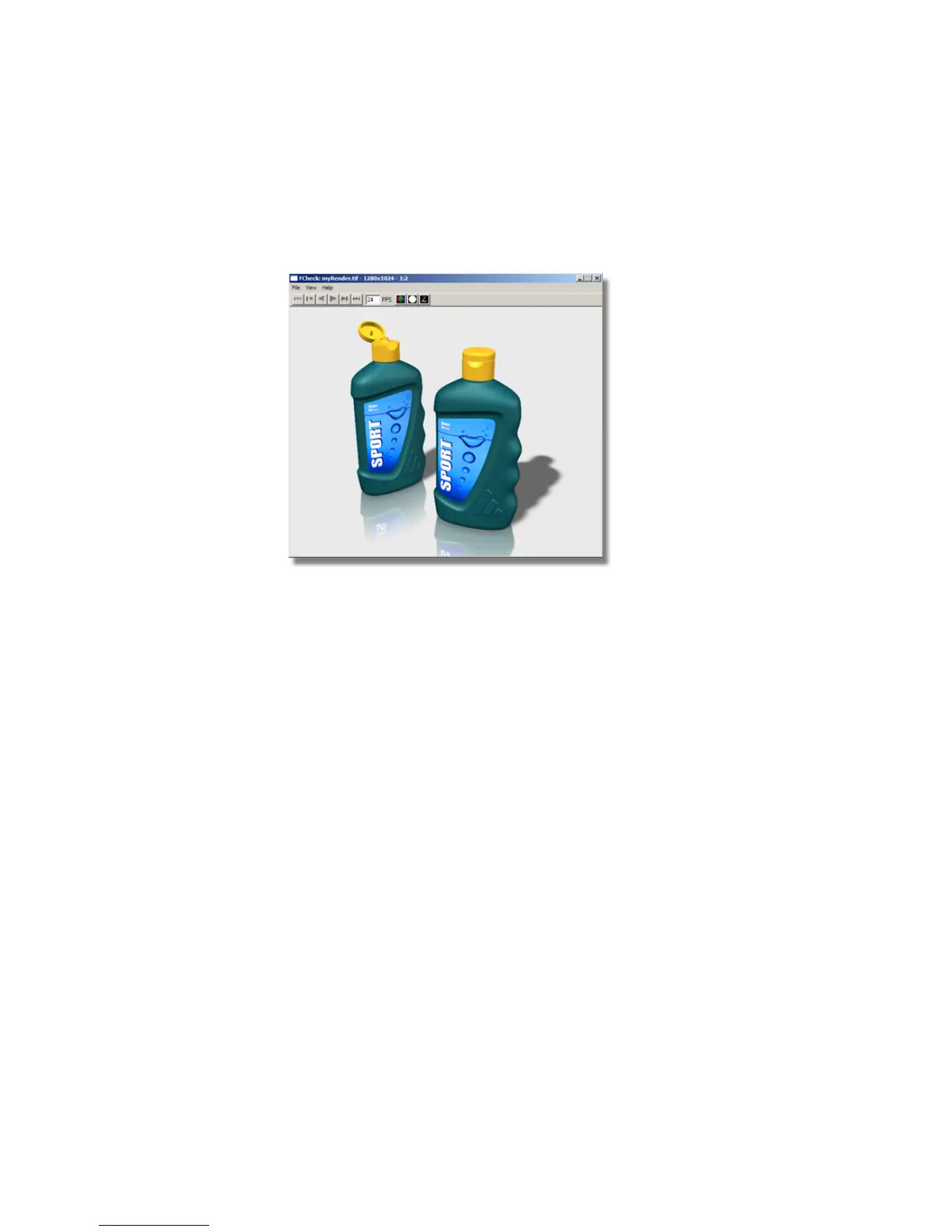
The image is created and saved in the pix directory of your current
project.
5 To view the image in Alias, choose File > Show Image .
Alternatively, you can view the image using any Windows or graphics
software, or import it into your presentation documents.
Save your work
1 Save your work in the wire directory of the Lessons project.
2 Name your file myRender_Basics4.wire.
Conclusion
Congratulations! You have completed a visualization of the shower gel bottles.
The basic skills you have learned in this tutorial will enable you to visualize
your models to a high quality at every stage of your design.
You have learned to:
■ Create and edit shaders
■ Create and edit lights
676 | Chapter 10 Shaders and Lights



 To Next Page