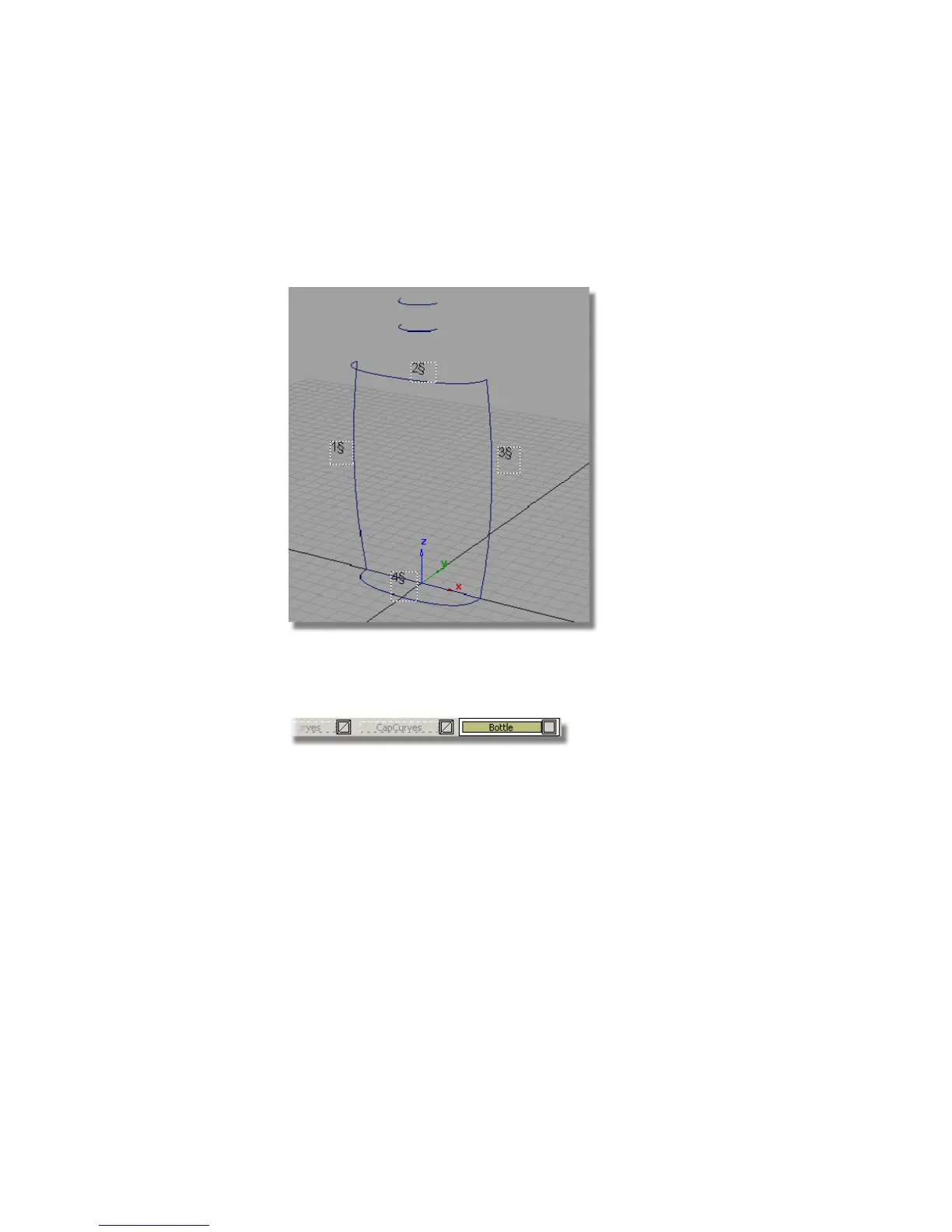
Creating the Main Bottle Surface
You will start by creating the main bottle shape using a Square surface.
1 Maximize the Perspective view.
2 Check that the Bottle layer tab is shown in yellow, indicating the new
surfaces you create will be assigned to it. If not, click the layer tab to make
it active.
3 Choose Surfaces > Boundary Surfaces > Square .
4 Double-click the icon to open the option window.
520 | Chapter 8 Modeling a Sports Shower Gel Bottle



 To Next Page