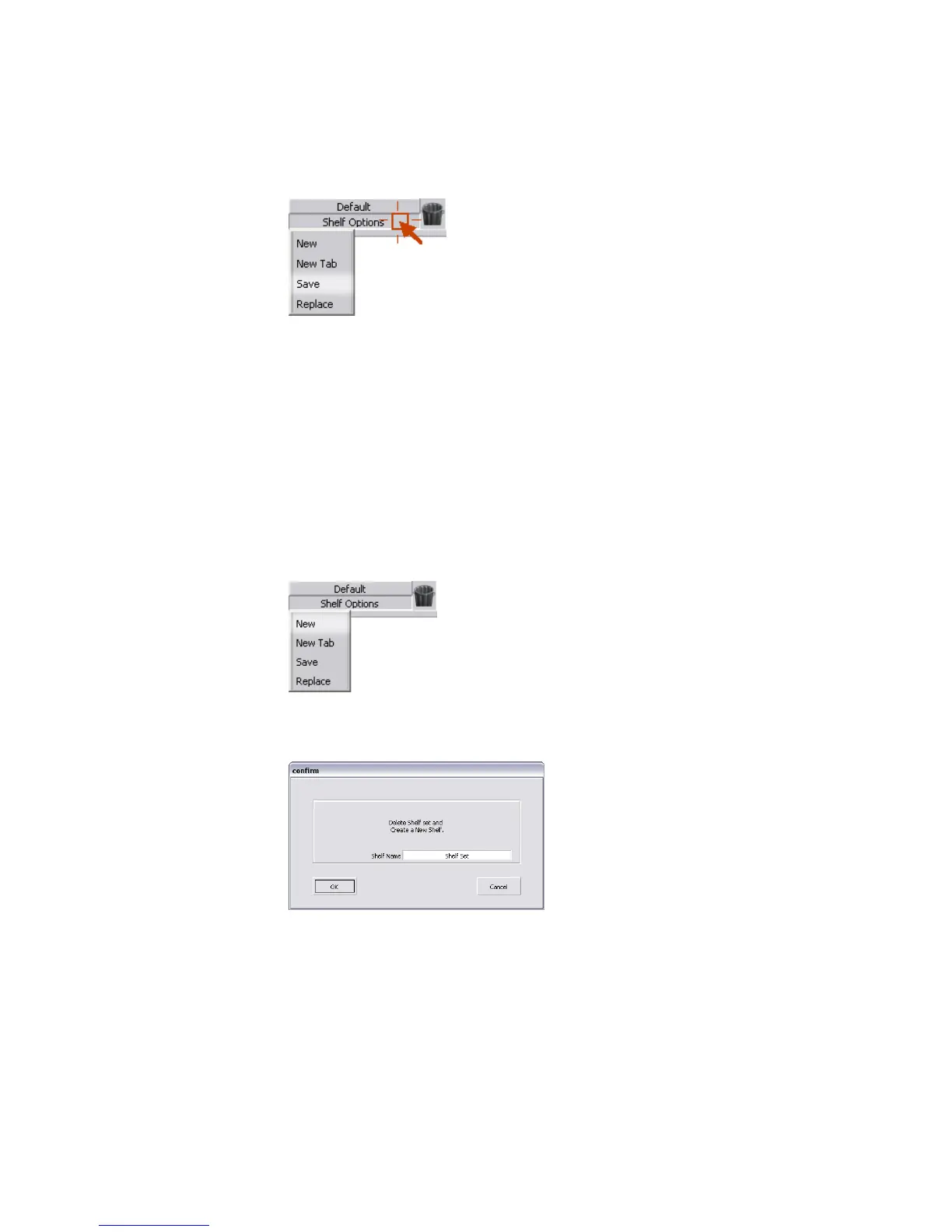
3 Drag down to the Save option and release the mouse button.
A file requester appears.
4 Click in the Object name text field and type Default, then click Save.
In the next procedure, you will start a new shelf of tools commonly used in
curve fitting in preparation for the lesson on fitting curves to scan data.
To clear the existing shelf set and create a new one
1 Hold the left mouse button on the menu button at the top of the shelf area
to open the options menu. Notice how the menu button is now called
Default, after the name of the current shelf.
2 Choose New from the options menu.
A requester appears asking for the name of the new shelf.
3 Click in the text box, press the Esc key to clear the text, and type CurveFit.
Click OK to name the new shelf.
42 | Chapter 3 Interface Basics



 To Next Page