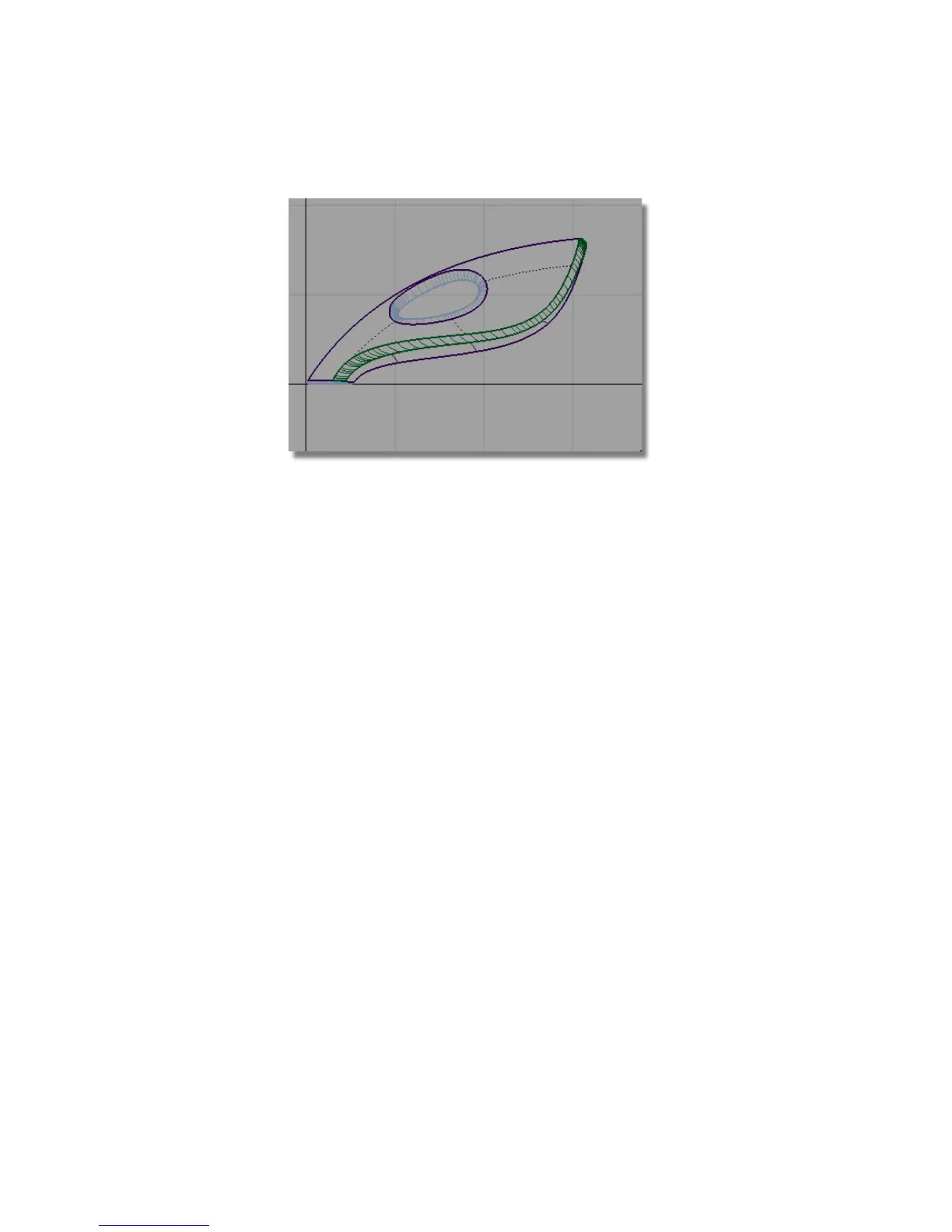
Trimming the dust bag surfaces
Only the ends of the body surfaces are required for the dust bag and cable
connector.
Next, you will trim the surfaces so only the rear part of the shape is left. This
will make the surfaces easier to work with and easier to visualize.
You will trim the surfaces by using a curve to define the cutting line.
1 Choose Curves > New Curves > New Edit Point Curve.
You are prompted to enter the new edit point position. Hold down the
Alt (Windows) or Command (Mac) key and click near the grid intersection
shown below to position the first edit point of the curve.
370 | Chapter 6 Modeling a Vacuum Cleaner



 To Next Page