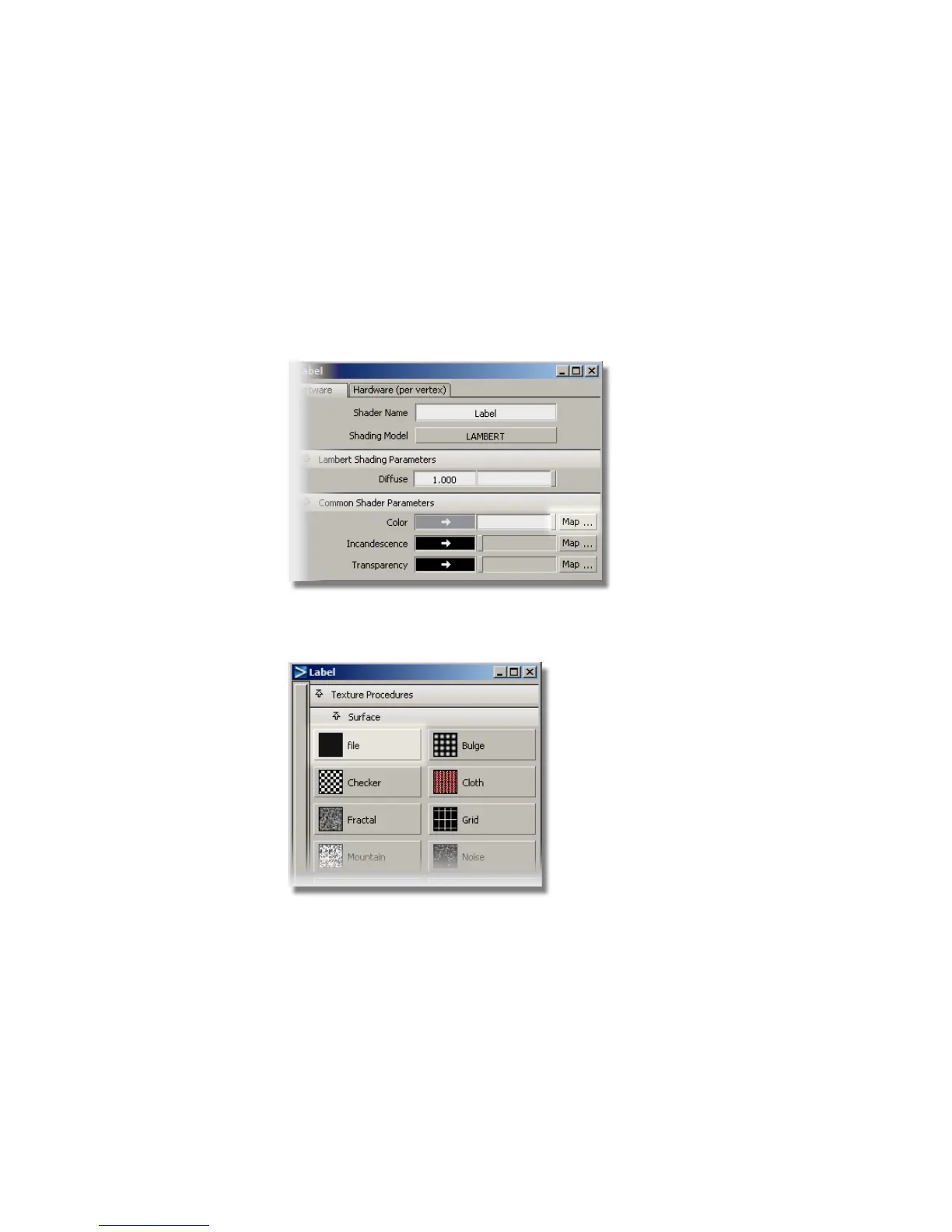
You don’t need to change the color of the shader, as you will now map
the label graphic onto the Color channel. The graphic image will replace
the default grey color.
Mapping the Color Channel
1 In the Label shader editor, click the Map… button beside the Color
parameter.
2 The Texture Procedures window appears. Choose the Surface > file
texture.
3 The File Texture editor is opened. Choose the Browse button next to
the Image section.
650 | Chapter 10 Shaders and Lights



 To Next Page