Creating the Birail Surface
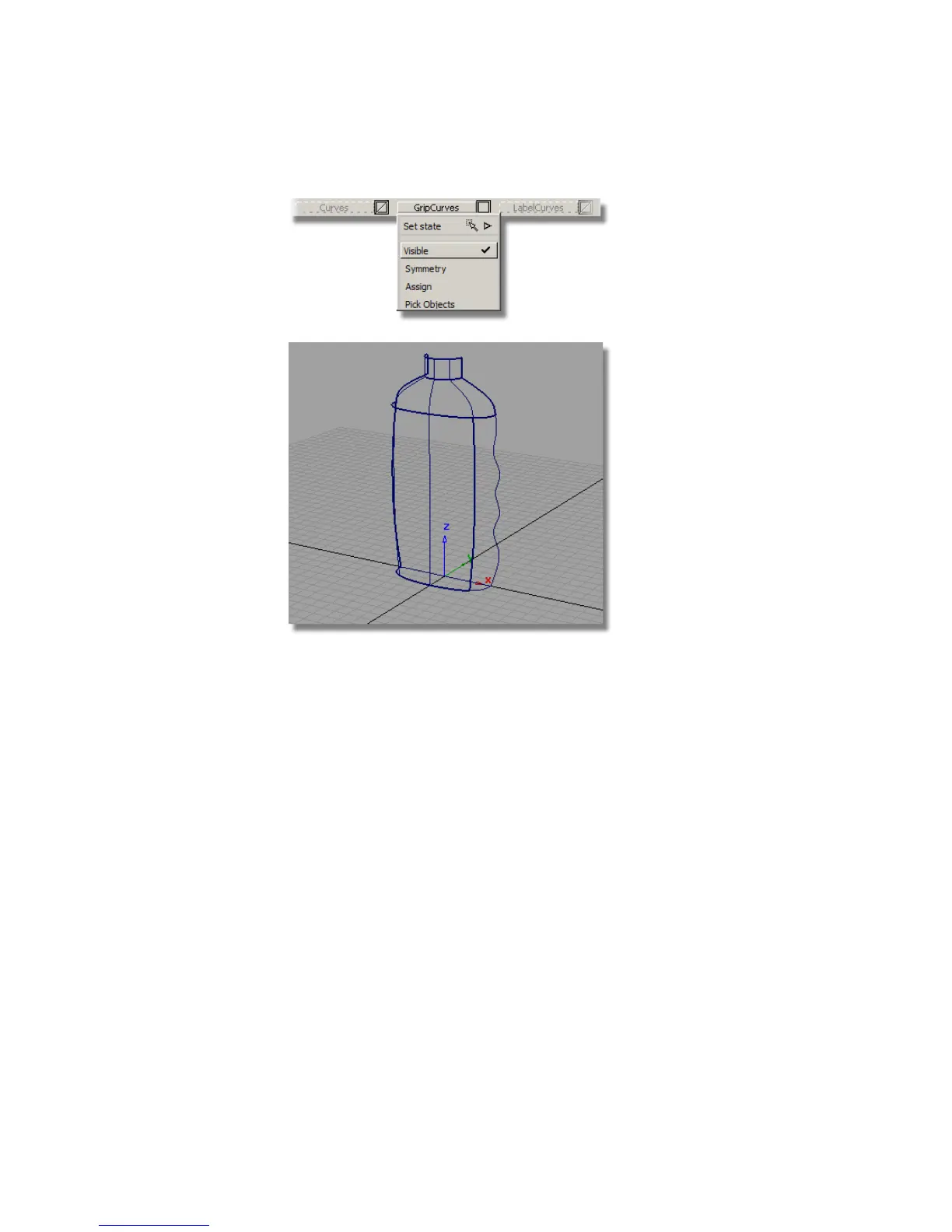
Now, you will create a Birail surface for the finger grip. The Birail will be
tangent to the edge of the body surface and tangent to the shoulder surface.
It will match the curve at the base with positional continuity, and have
Implied Tangency on the finger grip curve, where the surface will later be
mirrored.
1 Choose Surfaces > Swept Surfaces > Rail Surface . Double-click the icon
to open the option box.
In the Generation Curve section, choose 2.
In the Rail Curve section, also choose 2.
538 | Chapter 8 Modeling a Sports Shower Gel Bottle



 To Next Page