These tutorials sometimes refer to menu options by the path through the
menus to the item. So, All Windows is: Layouts > All Windows > All
Windows .
As an alternative to the single-click method, you can use the pull-down
menus by dragging the mouse down the menu and releasing on the
option you want.
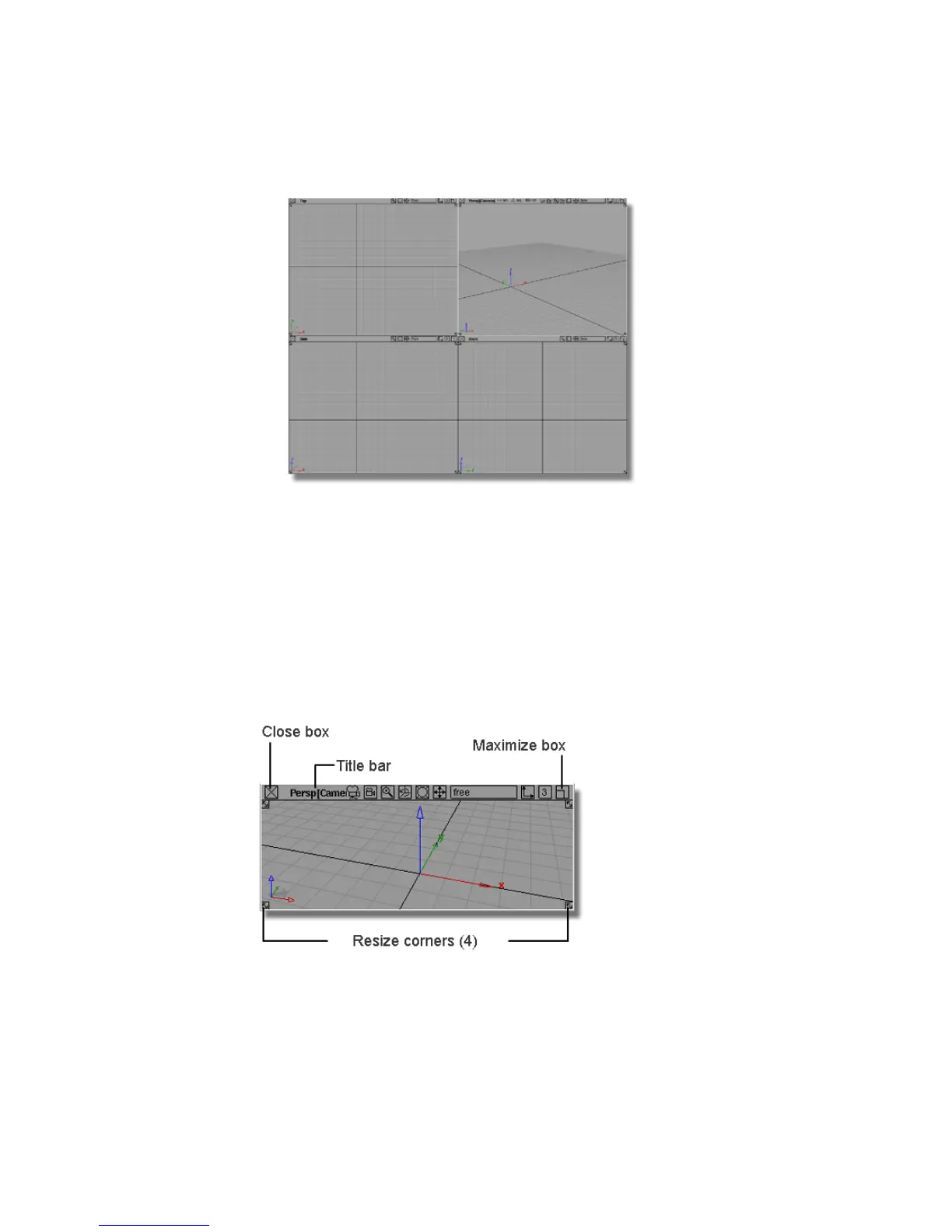
Window Controls
Use these controls on the borders of view windows to move, close, and resize
the window:
20 | Chapter 3 Interface Basics



 To Next Page