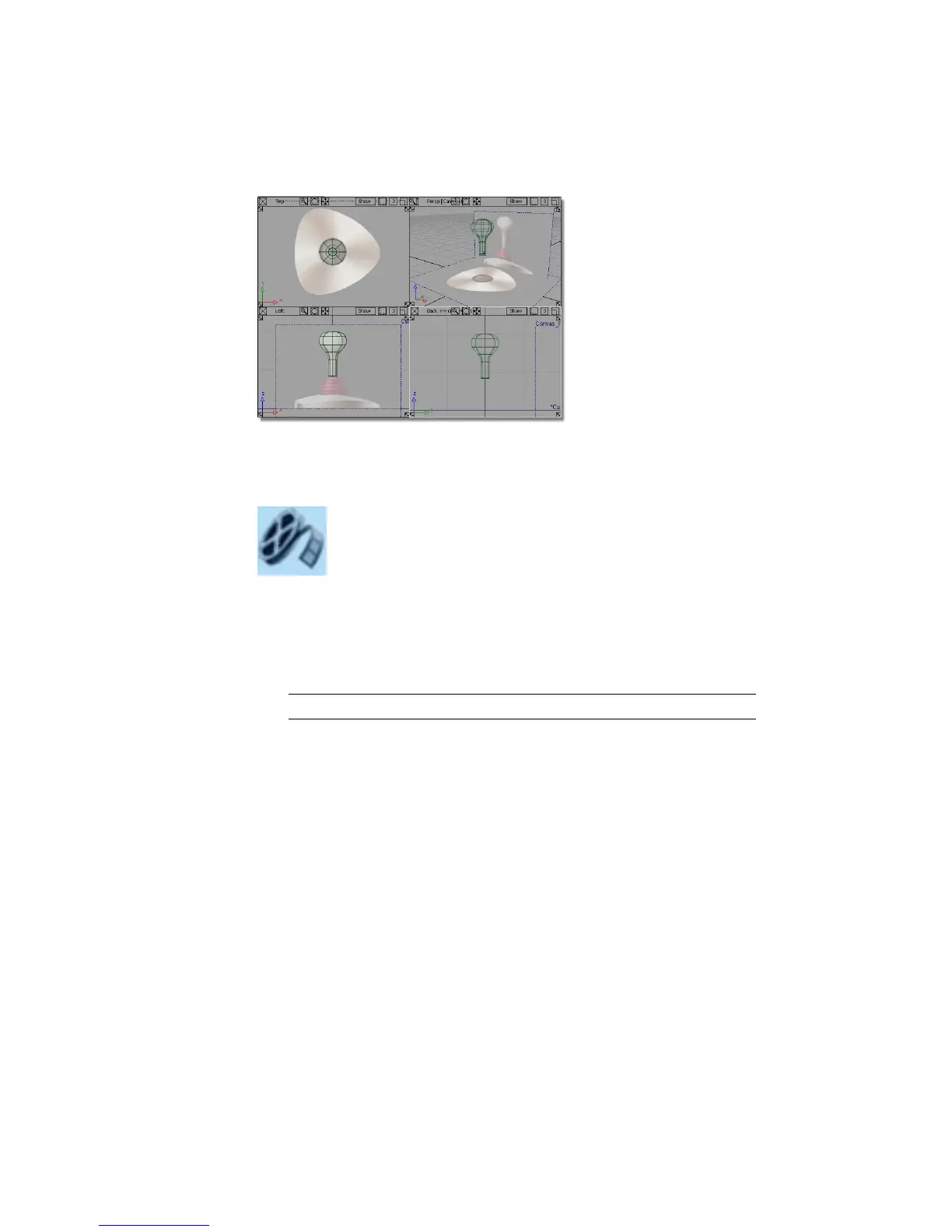
If you were not successful in part 1, open the file called joystick_part2.wire,
located in the wire directory of the CourseWare project. This file contains the
completed model from Part 1.
Watch Part 2 of the tutorial.
Creating the Base Outline Curve
First, you will create a rounded triangle shape from a primitive circle.
1 Choose Layouts > Top to maximize the Top view.
TIP The hotkey for Layouts > Top is F5.
174 | Chapter 5 Modeling a Joystick



 To Next Page