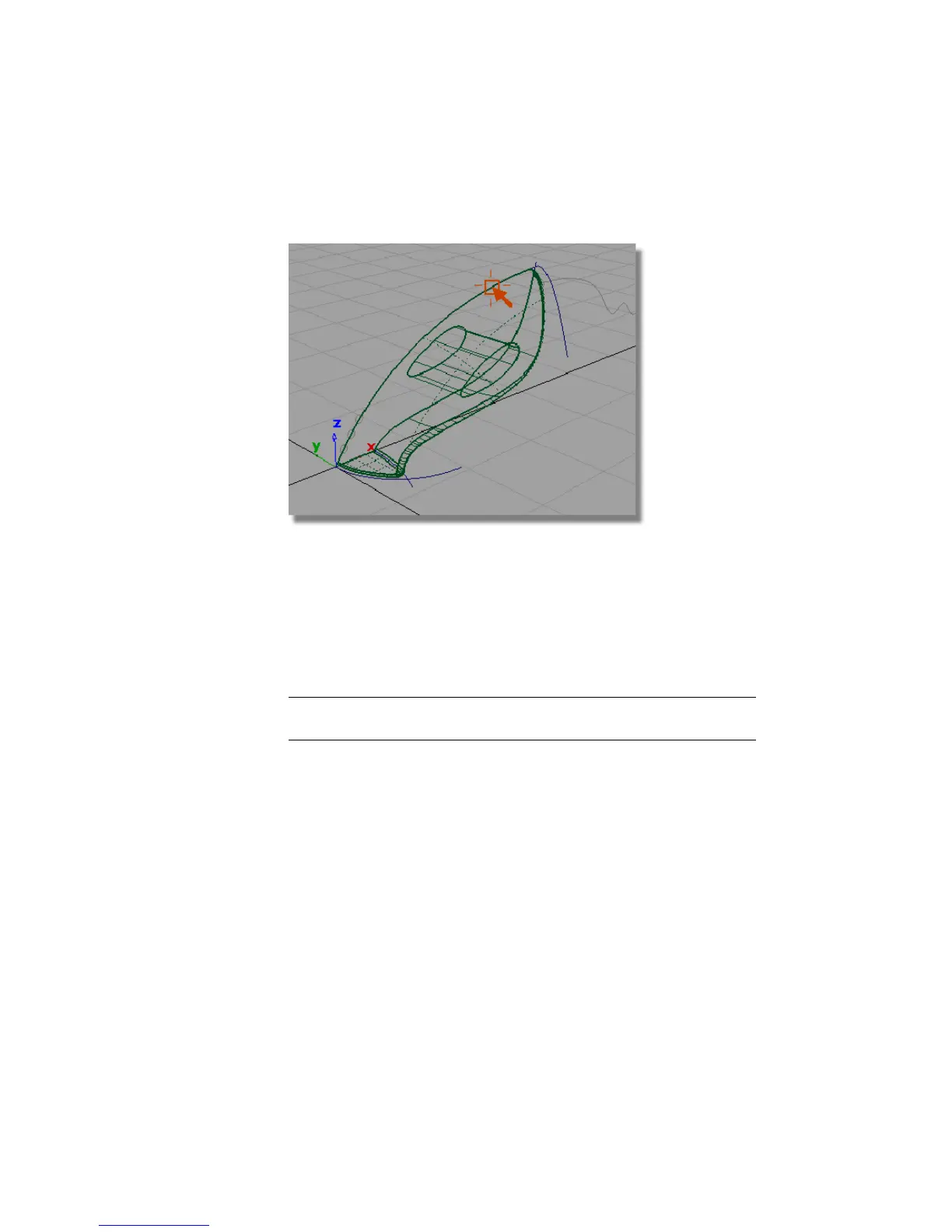
10 Return to a wireframe view by selecting the wireframe icon in diagnostic
Shading.
Creating the handle fillet
Next, you will use the Surface Fillet tool to trim the handle and upper body
surfaces, and to create a rounded edge.
1 Choose Surfaces > Surface Fillet . The settings you used before will be
used for this fillet surface, so you don’t need to open the option box.
NOTE If you have exited Alias since building the last fillet, see Creating the
nozzle fillet on page 316 for the correct Surface Fillet options to use.
You are prompted to select the first set of surfaces.
2 Click the upper surface to select it.
328 | Chapter 6 Modeling a Vacuum Cleaner



 To Next Page