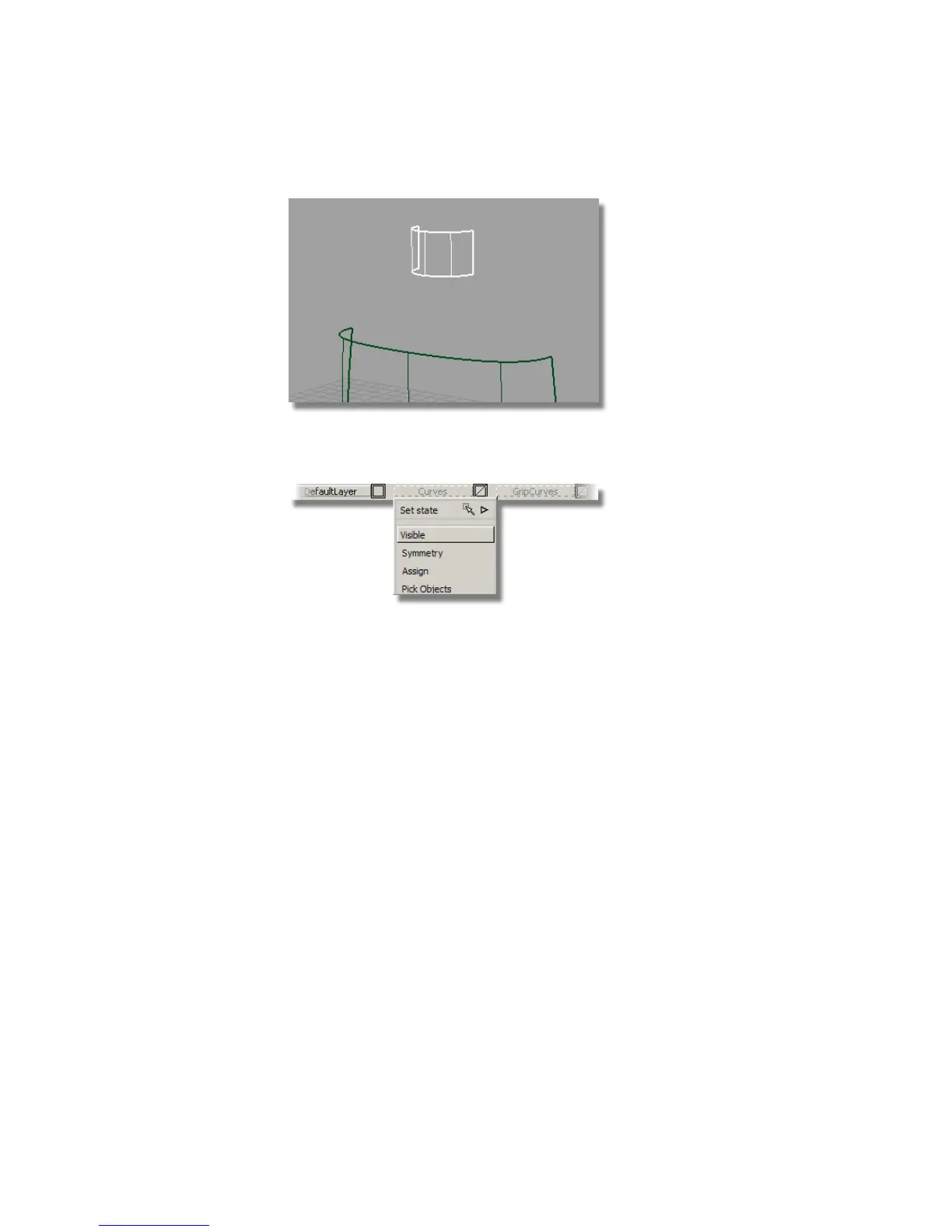
3 Now that you have built the main surfaces, turn off the Curves layer,
leaving only the surfaces visible on the screen.
Creating the Shoulder Surface
The shoulder surface needs to blend smoothly from the main body surface.
First, you will create the shoulder as a simple skin surface from the body to
the neck. You will then create continuity between the shoulder and body,
using the Align tool.
It is useful to understand how the Align tool creates the desired continuity,
and you can see this by observing how the CVs and Hulls change as the Align
tool is applied.
Positional Continuity One row of CVs is aligned to the other surface. This
is the default continuity when you create the skin surface.
524 | Chapter 8 Modeling a Sports Shower Gel Bottle



 To Next Page