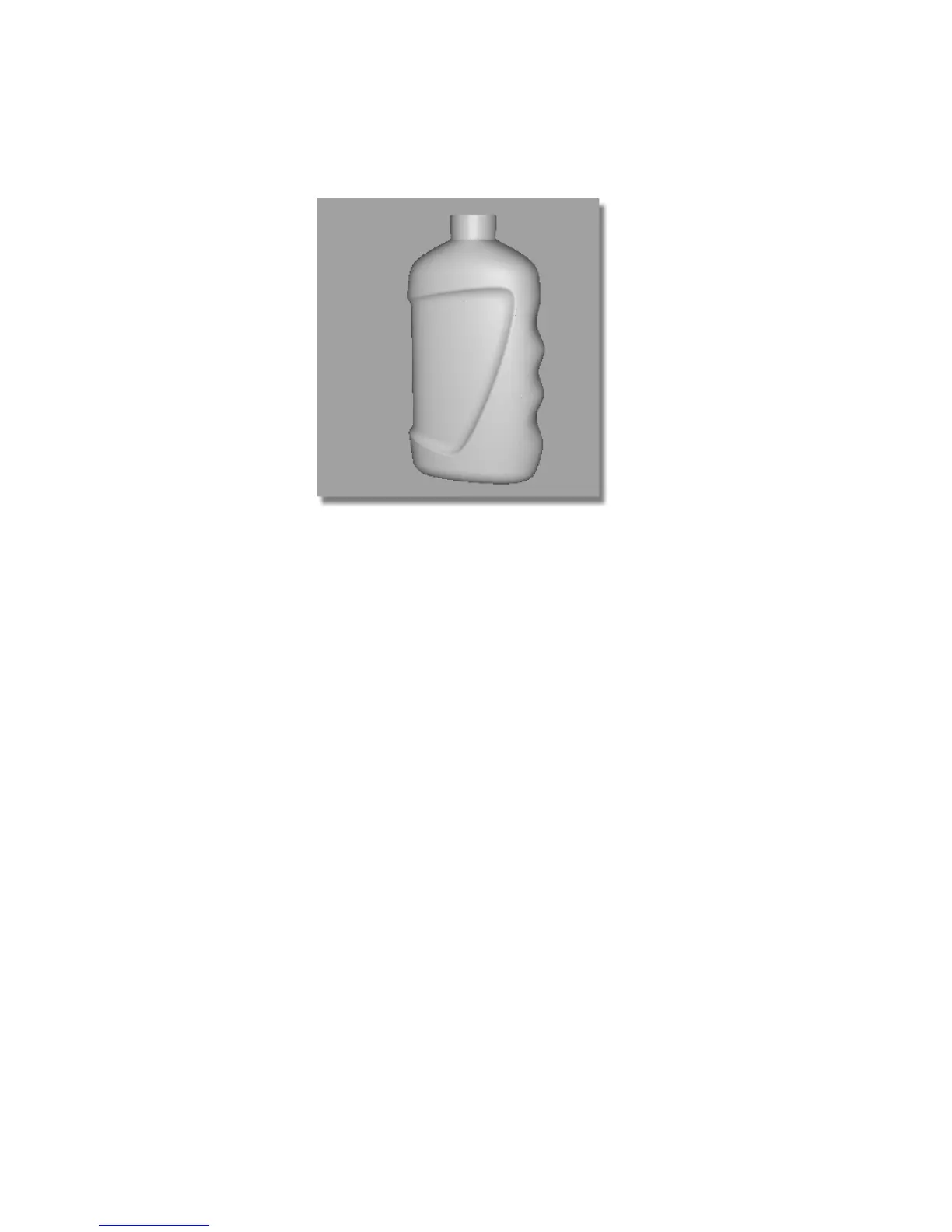
16 Adjust the view and use the diagnostic shading to evaluate the rounds.
Save your work
1 Save your work in the wire directory of the Lessons project.
2 Name your file myshowergel4.wire.
Part 5: Embossed Logo Details
In this section, you will create an embossed logo at the base of the pack.
You will use an offset surface to create the logo surface; trimming to create
the logo outline, and a Freeform Blend to join it to the main surface
smoothly.
Part 5: Embossed Logo Details | 569



 To Next Page