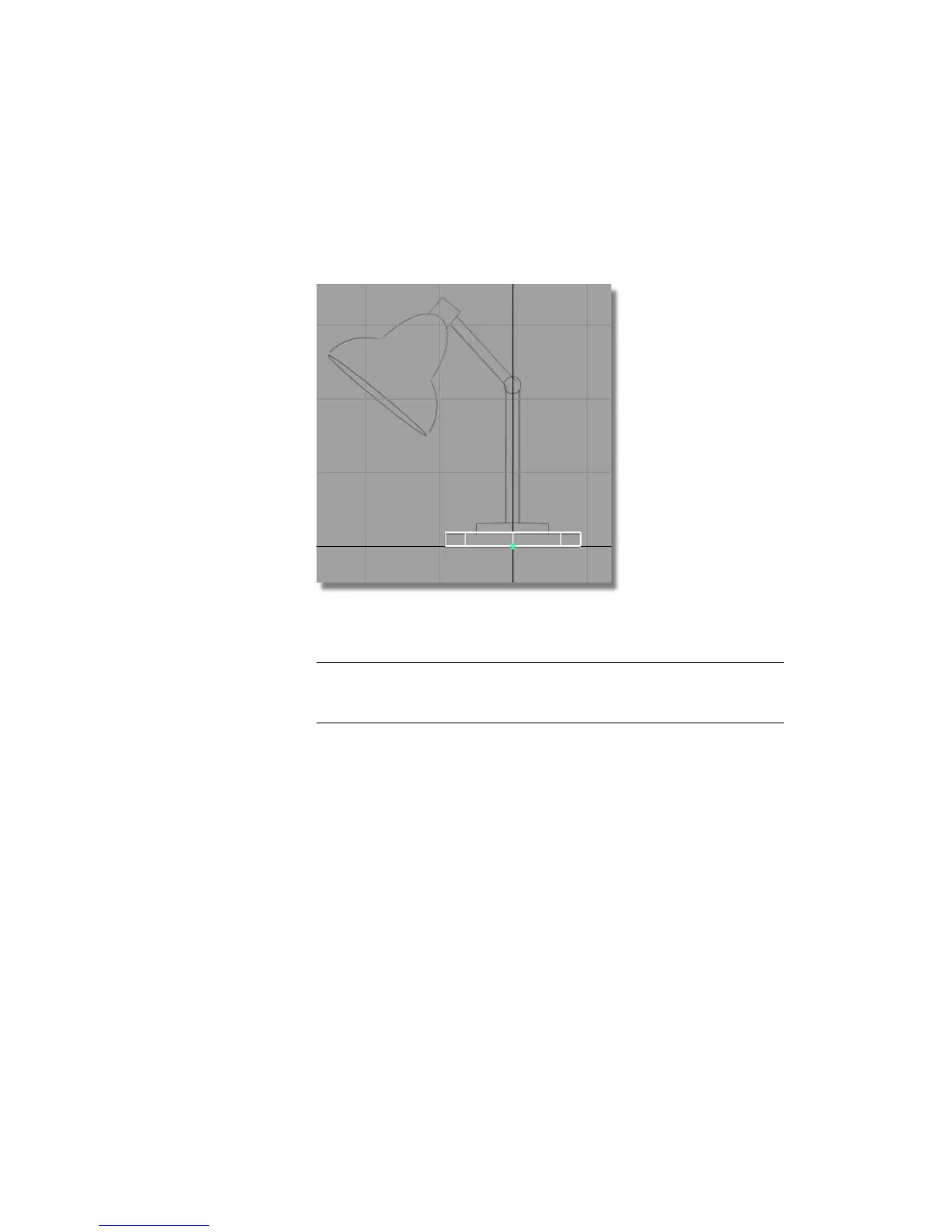
5 Hold down the Alt (Windows) or Command (Mac) key to turn on grid snap
mode, and press and drag with the left mouse button in any direction. The
cylinder moves so that its pivot point always snaps to a grid intersection.
Drag the cylinder to the origin.
Release the Alt (Windows) or Command (Mac) key to turn off grid snap
mode.
NOTE You can adjust the height of the base again using Transform > Non-p
Scale and the right mouse button. The location of the pivot point makes the
scaling easier to control.
Duplicating the cylinder
The cylinder now has a convenient pivot point location. To save time, copy
this cylinder and then move and scale it to create the other components.
1 With the cylinder still picked, choose Edit > Copy .
2 Choose Edit > Paste .
Part 2: Building the lampstand | 105



 To Next Page