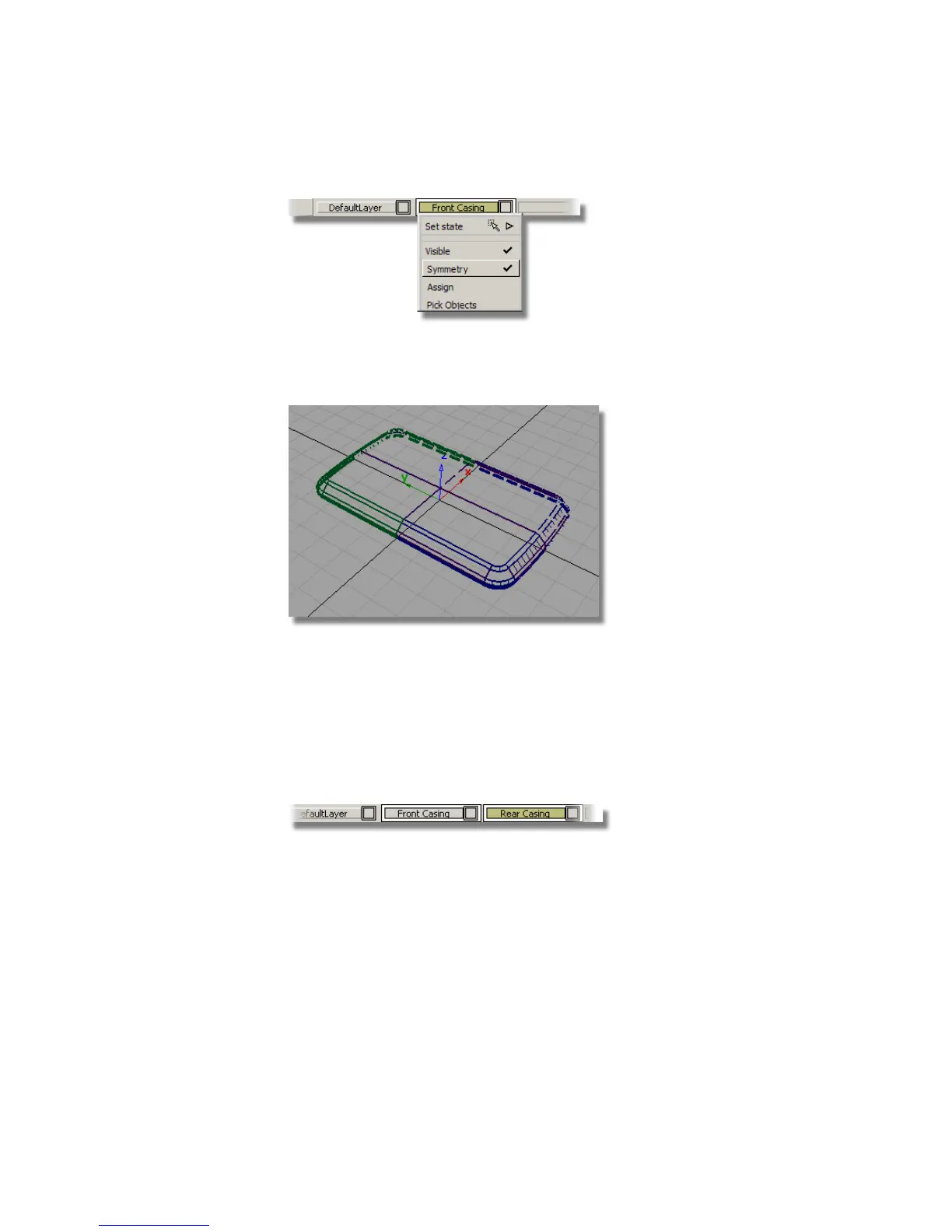
The geometry on the layer is mirrored and shown as dotted lines to
indicate that it is only a visualization of the mirrored geometry, not real
geometry.
Creating the Rear Casing
Now is a good time to copy the surfaces for the rear casing, before you start
to detail the front.
First you will create a layer for the rear.
1 Choose Layers > New and rename the layer Rear Casing.
2 Choose Pick > Object and drag a pick box over all the geometry to select
it.
440 | Chapter 7 Modeling an MP3 Player



 To Next Page