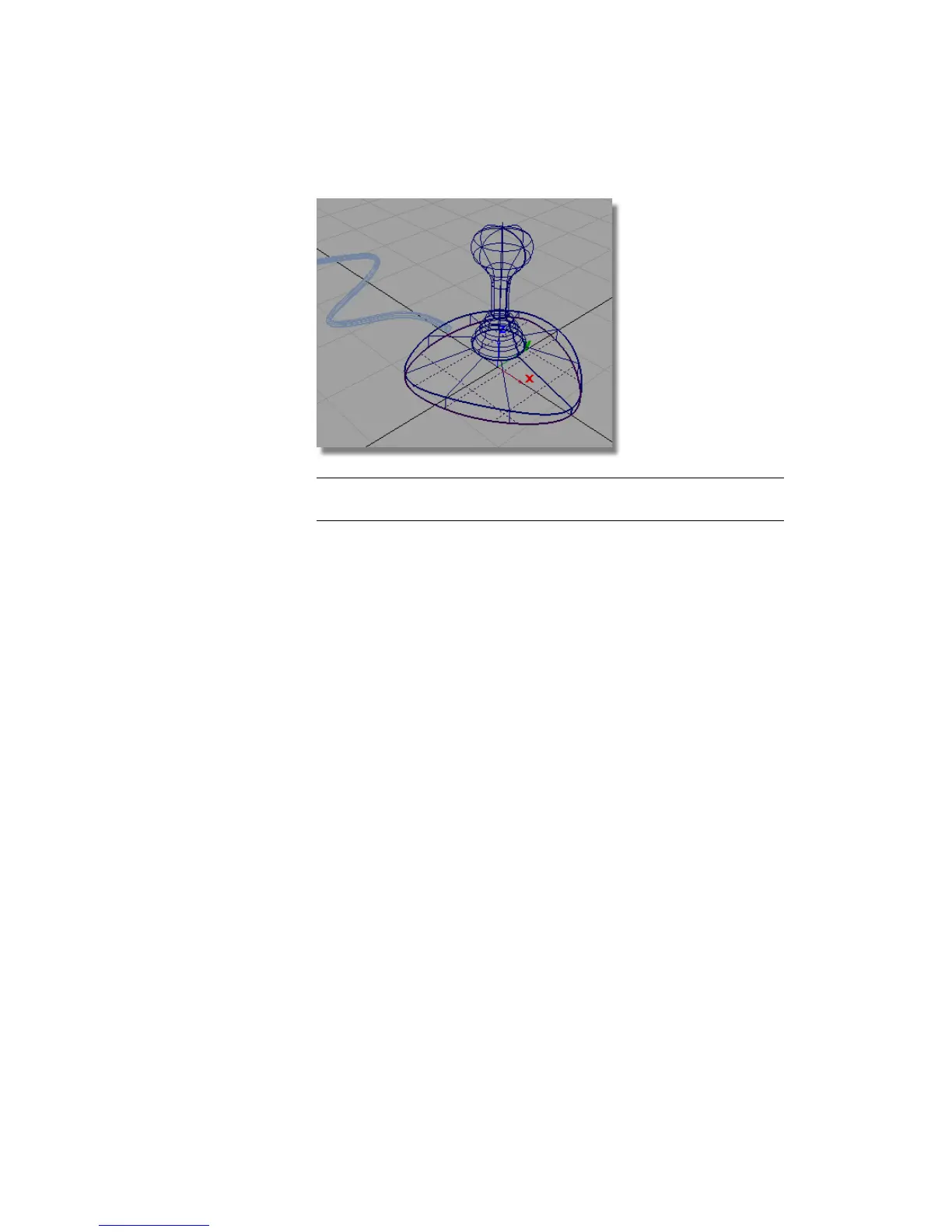
NOTE The surfaces are now shown with dark blue lines, which indicate they
have no construction history.
Sculpting the Base
You have already used CVs to create and shape curves. Surfaces also have CVs
which can be used in the same way to directly modify the surface shape.
By default, the CVs for a surface aren’t displayed, so next, you will turn on
the CVs for the top of the base.
1 Choose Pick > Object and select the top surface on the base.
Part 6: Directly modifying surfaces | 237



 To Next Page