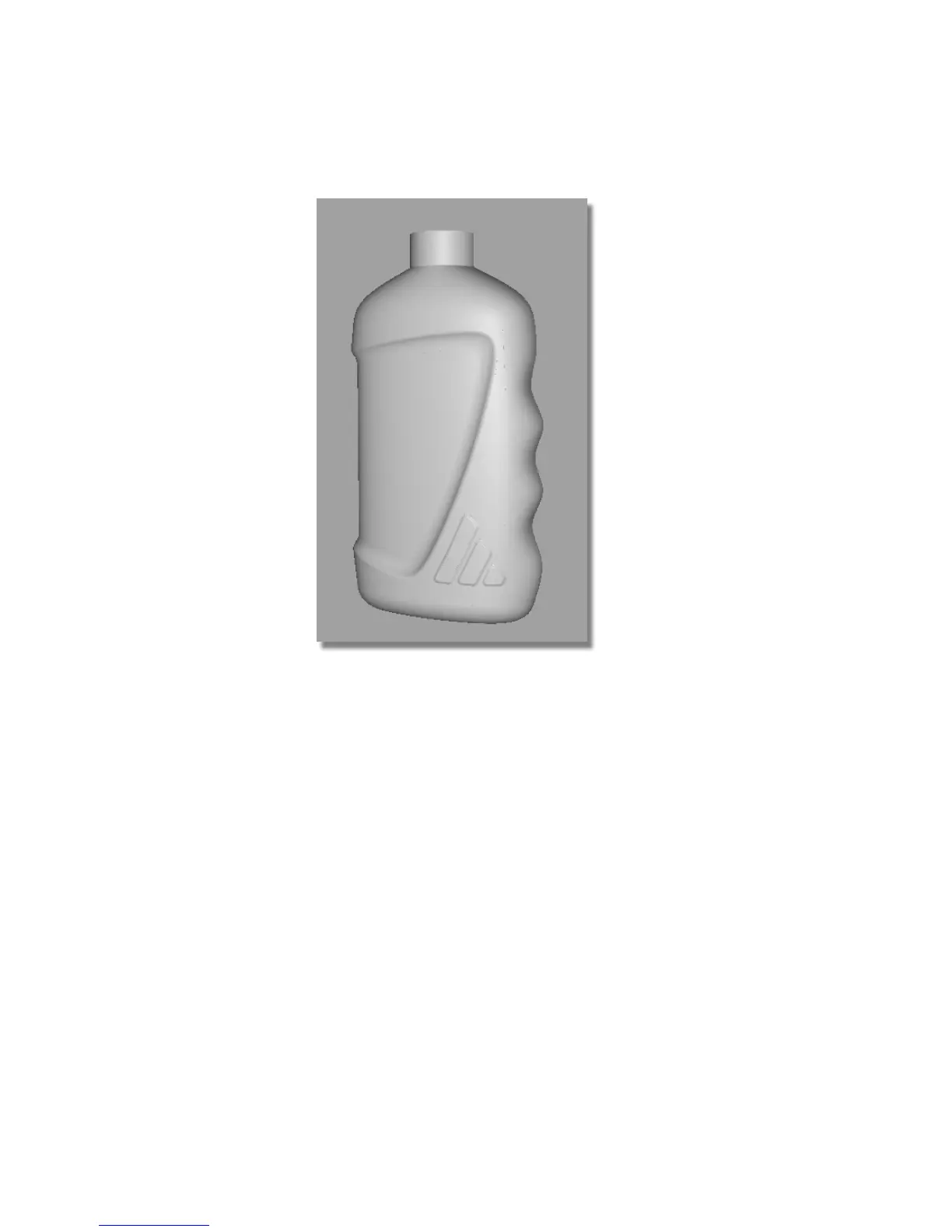
9 Use diagnostic shading to evaluate the logo embossing.
10 Finally, make sure all the surfaces are assigned to the Bottle layer.
Save your work
1 Save your work in the wire directory of the Lessons project.
2 Name your file myshowergel5.wire.
Part 6: Completing the Model
In this section, you will complete the model by mirroring the surfaces and
creating a cap.
Part 6: Completing the Model | 589



 To Next Page