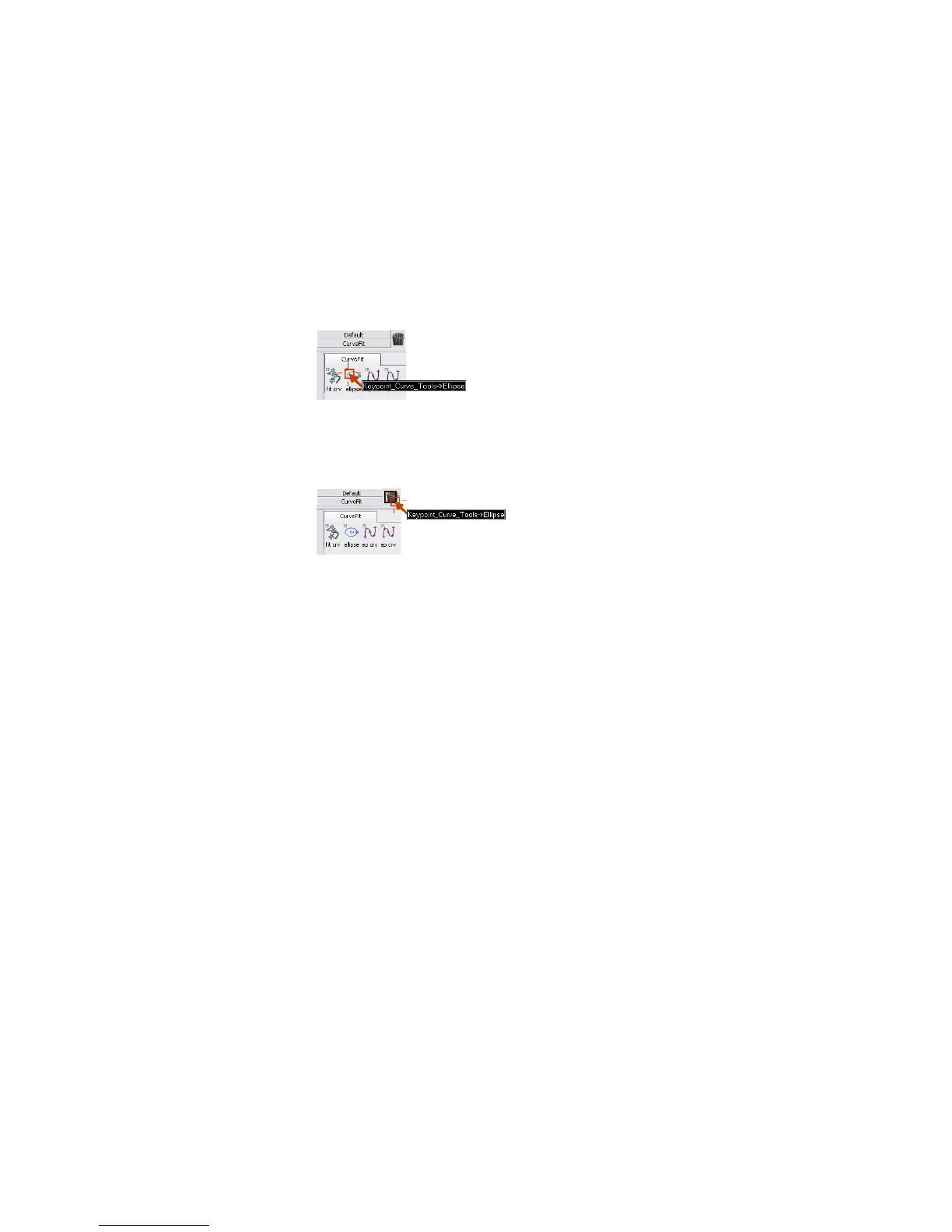
To remove a tool from the shelf
1 Add another tool to the CurveFit shelf.
Let’s now assume that this was a mistake and you want to remove the
tool.
2 Hold the middle mouse button over the tool’s icon in the shelf.
The name of the tool appears.
3 With the middle mouse button held down, drag the label to the upper-right
corner of the window and position the cursor over the trash can icon.
4 Release the mouse button. The tool disappears from the shelf.
You can also delete groups of tools by dragging a tab with the middle
mouse button to the trash can.
You may have noticed that icons are a bit crowded on the shelf. The large
icons are good when you are learning which icon is which, but now you can
switch to the small icon size to save space in the shelf.
To change to the small icon size
1 In the Preferences menu, choose General Preferences ❒. The
Interface options appear.
Creating Custom Shelves | 47



 To Next Page