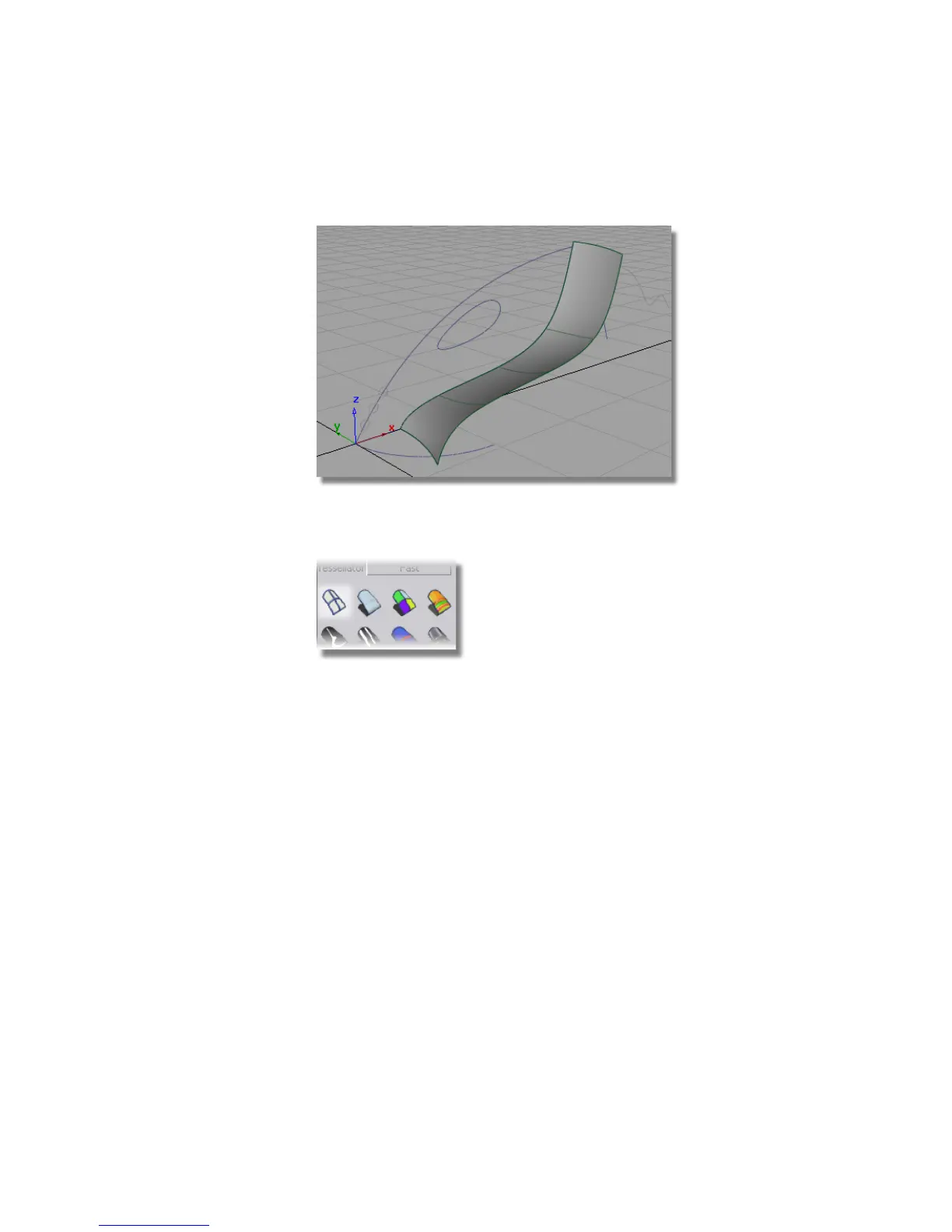
The surface is shaded in a default blue color.
10 Select the diagnostic Shading Off wireframe icon on the Control Panel
to turn off the shading.
Use the diagnostic shading throughout this tutorial to visualize the
geometry.
Creating the Upper Surface
Next, you will create the upper surface of the vacuum cleaner using a Mono-rail
surface with two generation curves. When two generation curves are used,
the surface blends between the two shapes, as it sweeps along the path curve.
This will create a smooth surface blended between the wide nozzle and the
narrower handle section.
1 Choose Surfaces > Swept Surfaces > Rail Surface. Double-click the icon to
open the option window.
The Rail tool is set for 1 generation curve and 1 rail curve.
Part 1: Creating Primary Surfaces | 289



 To Next Page